AllMacWorld MAC Apps One Click Away
Download MuMu Player Pro 1.9.9 for Mac free latest version standalone setup. MuMu Player Pro 2026 for macOS is an Android emulator built by NetEase exclusively for Apple Silicon Macs. It lets you run Android apps and games on your Mac screen without needing a phone.
MuMu Player Pro for Mac Review
MuMu Player Pro for Mac is an Android emulator made only for Apple Silicon chips. It is not a copy of a Windows emulator squeezed onto Mac. NetEase built it from the ground up for M1, M2, M3, and M4 Macs. This is why it runs smoother than most other Android emulators on macOS. You can also download Bluestack for MacOS Free Download
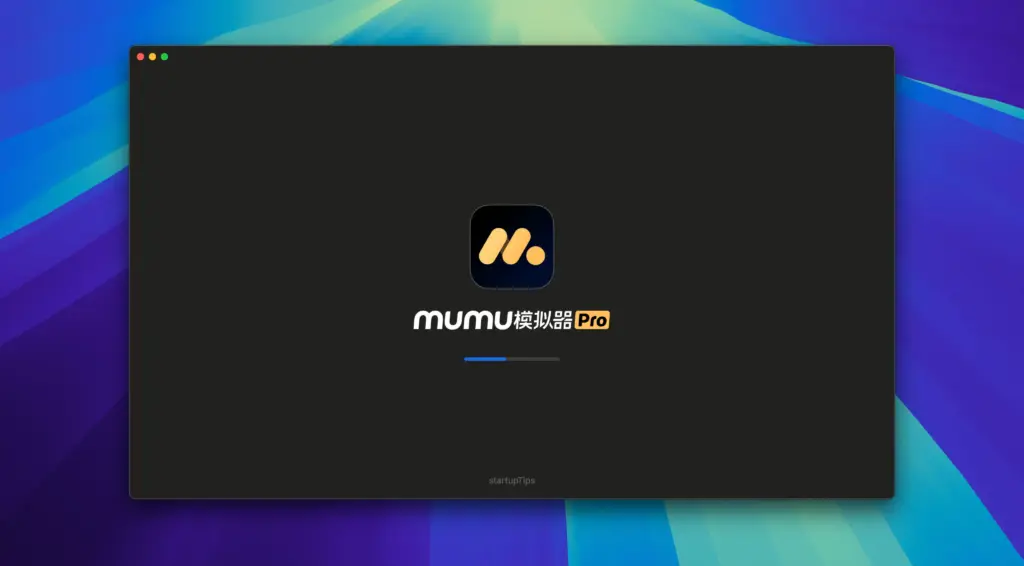
The core of the app is its rendering engine. It uses Apple’s own graphics tools to draw each frame. This gives you high resolution visuals and steady frame rates, even in heavy games. Most Android emulators on Mac struggle with lag. MuMu Player Pro does not have this problem because it was designed for Apple hardware from day one.
Control is where this emulator stands out. Mac users work with a trackpad, not a touchscreen. MuMu Player Pro understands this. It comes with default touchpad gestures. Swipe down with two fingers and you open the notification panel, just like on a real phone. You can also map keyboard keys and a mouse to game controls. If you plug in a controller, the app supports that too.
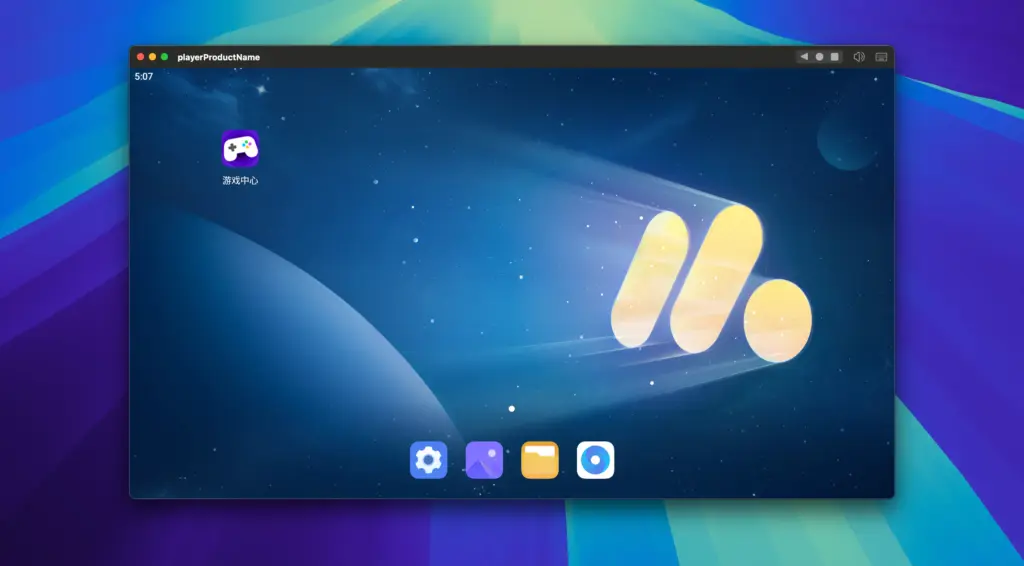
Multi-instance support is another strong feature. You can run several Android apps or games at the same time on one Mac. This is useful if you play more than one game, or if you need to test an app while running another tool beside it. Each instance runs on its own, so one app crashing does not affect the others.
For developers, MuMu Player Pro includes a command-line tool. You can find it in the top menu bar under “Open Command-Line Tool.” This gives you a direct way to debug and test Android apps without leaving your Mac. It also supports drag-and-drop file transfer, so moving files between your Mac and the Android environment takes one action, not five.
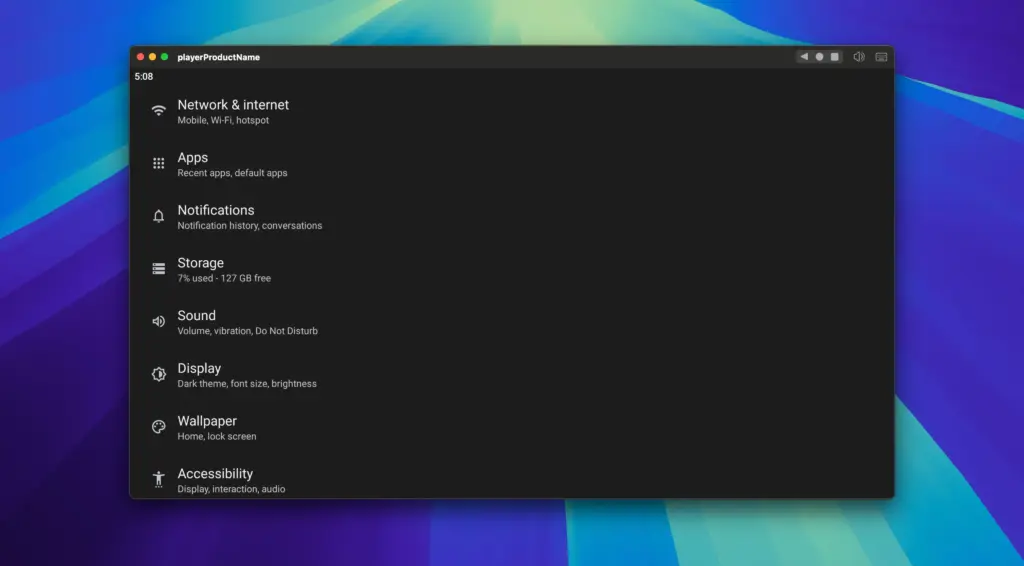
The app also lets you set a custom device storage directory. This means you can store your Android data on an external drive and use it across different Mac devices. It is a small feature, but it matters if you work across more than one machine or want to keep your main drive free.
Features of MuMu Player Pro for Mac
- Android emulator built exclusively for Apple Silicon Macs
- High-resolution graphics with smooth frame rates
- Default touchpad gesture support, including swipe-down notifications
- Keyboard and mouse mapping for game controls
- Controller support for mainstream gamepads
- Multi-instance support to run several apps at once
- Drag-and-drop file transfer between Mac and Android environment
- Custom device storage directory, including external drive support
- Command-line tool for app developers and testers
- Adjustable CPU and memory allocation for performance tuning
- Support for APK, APKS, and XAPK file installation
- Built-in game center to browse and install popular titles
- Regular updates with game-specific performance fixes
Technical Details:
- Software Name: MuMu Player Pro
- Software File Name: MuMu Player Pro 1.9.9.dmg
- Version: 1.9.9
- File Size: 715 MB
- File Extension: DMG
- License Type: Premium
- Developer: ΝetΕase
System Requirements
- Operating System: macOS 10.13 High Sierra or later
- Processor: Apple Silicon (M1, M2, M3, M4, M5) or Intel Core 64-bit
- RAM: 8 GB minimum, 16 GB recommended
- Storage: 4 GB free disk space
What are the best alternatives to MuMu Player Pro for Mac?
MuMu Player Pro is a strong choice for Apple Silicon Macs, but it is not the only option. If it does not fit your needs, here are other Android emulators worth checking:
Nox Player: A long-running Android emulator with a large user base. Better suited for users who want more free features without a subscription.
BlueStacks: One of the most popular Android emulators overall. Works on both Intel and Apple Silicon Macs, so it is a good pick if you have an older machine.
LDPlayer: Built mainly for Windows, with limited Mac support. Best for users who game across both Windows and Mac.
Genymotion: A developer-focused Android emulator used for app testing. Better suited for professional developers over casual gamers.
Android Studio Emulator: Free and made by Google. Best for developers who already work inside Android Studio and do not need a gaming-focused interface.
Each of these tools serves a different type of user. MuMu Player Pro stands out for Apple Silicon Mac owners who want native performance built specifically for their chip.
MuMu Player Pro 1.9.9 for Mac Free Download
Click the button below to download MuMu Player Pro for Mac latest version setup free. It is a complete installer for Apple Silicon macOS with a direct download link.