AllMacWorld MAC Apps One Click Away
Download MiniMeters 1.0.30.358 for Mac free latest full version standalone setup. MiniMeters 2026 for Mac is a compact application for visual, real-time audio monitoring. It helps musicians and producers monitor loudness levels (including LUFS for overall and peak), channel balance (stereo meter), frequency spectrum, waveform, and other audio characteristics.
MiniMeters 2026 for Mac Review
MiniMeters for Mac is a simple audio metering app built for producers, mixers, and content creators. It works as a standalone tool and as a plug-in inside your DAW. The app shows you spectrum, loudness, stereo, and waveform data in real time. If you record, mix, or stream on a Mac, you often need a quick way to check your levels. Opening a full mastering suite for a fast reference check feels slow. MiniMeters solves this. It stays on screen, uses little space, and gives you clear visual feedback without extra clutter. You can also download Ableton Live Suite for MacOS.
MiniMeters is built around one idea. Give users the meters they actually use, and skip the rest. The app opens as a slim bar that sits above or below your other tools. You can also pop out single modules and place them anywhere on your screen.
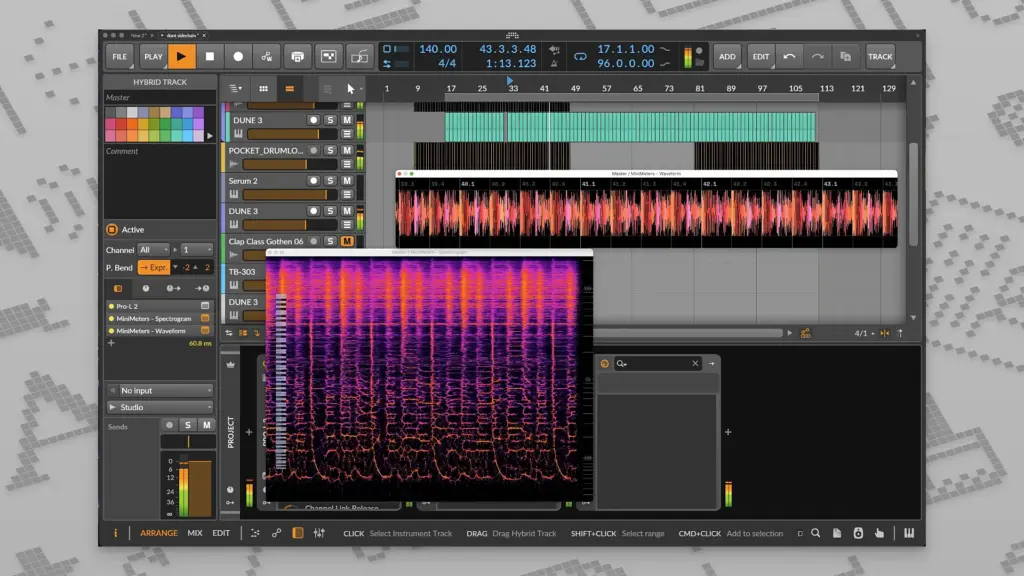
The standalone app can read audio from your Mac’s input or output. On macOS 14.2 and later, MiniMeters can capture your system audio directly. This means you can meter audio from Spotify, YouTube, or any app, not just your DAW. On older macOS versions, you can still route audio in using the included Audio Server plug-in.
Prominent Advantages
MiniMeters is easy to learn. There is no manual needed. You open the app, pick your modules, and start watching your levels. This makes it a good fit for streamers and video editors, not just audio engineers.
The plug-in side is just as useful. MiniMeters ships as Audio Unit, VST3, and CLAP formats on Mac. You can drop a single meter, like the Spectrogram or Loudness module, right into your DAW session. This keeps your workflow inside one window instead of switching between apps.
The app also lets you record and clip audio on the spot. MiniMeters keeps a rolling buffer of the last 10 and 60 seconds of audio. If something sounds interesting, you can grab that clip and drag it straight into your project.
Conclusion of the Discussion
MiniMeters for Mac is not trying to replace a full mastering suite like iZotope Insight. It is built for fast, everyday checks. For anyone who wants clean visual feedback while producing, streaming, or editing, it does the job well. Mac users on Apple Silicon and Intel machines can both run it without issues.
Features of MiniMeters for Mac
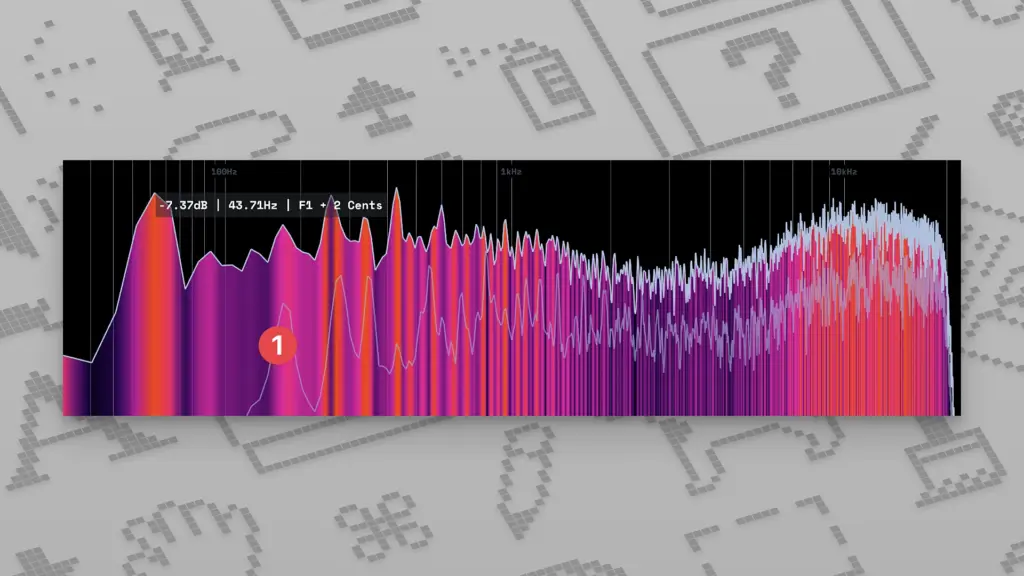
- Spectrum Analyzer: Shows the frequency content of your audio, with Mel, Logarithmic, and Linear scales.
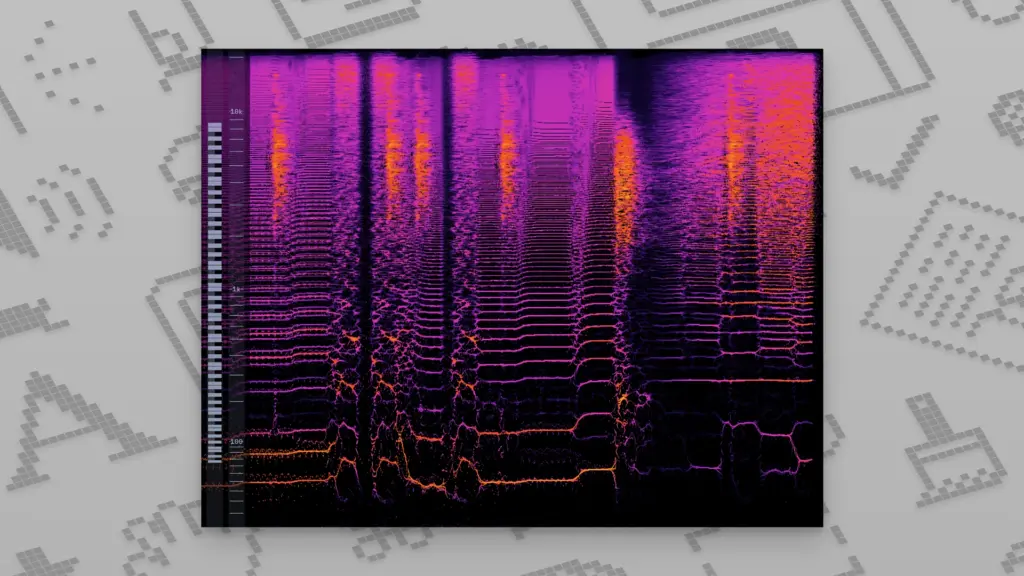
- Spectrogram: Displays frequency history over time, useful for spotting resonance or unwanted noise.
- Loudness Meter: Reads LUFS and RMS values, with Momentary and Short-Term modes.
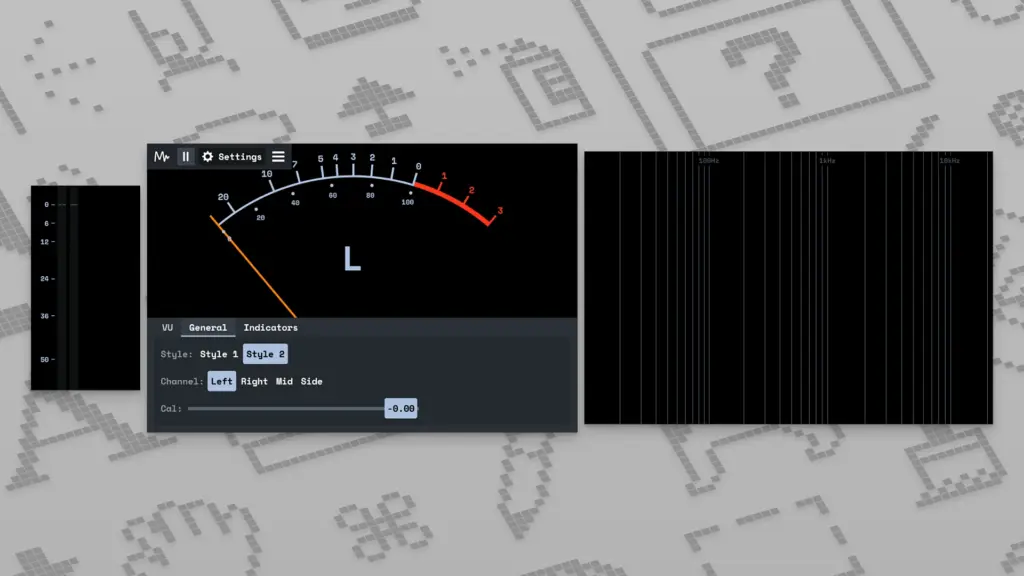
- VU Meter: A classic style meter with Peak and Clip indicators.
- Stereometer: Checks stereo width and balance, with Single-Band and Multi-Band correlation views.
- Waveform: Shows a real-time waveform, with Static, Multi-Band, and Color Map modes.
- Oscilloscope: Gives an immediate wave view of your audio signal.
- Quad Layout: A compact four-meter view built for a second monitor or inside a DAW window.
- Audio Recording and Clipping: Save the last 10 or 60 seconds of audio for quick reuse.
- Custom Layouts: Arrange meters in a horizontal bar or as separate floating windows.
Technical Details:
- Software Name: MiniMeters
- Software File Name: MiniMeters v1.0.30.358 macOS.dmg
- Version: 1.0.30.358
- File Size: 103 MB
- File Extension: DMG
- License Type: Premium
- Developer: Direct Music
System Requirements
- Operating System: macOS 10.13 High Sierra or later
- Processor: Apple Silicon (M1, M2, M3, M4, M5) or Intel Core 64-bit
- RAM: 8 GB minimum, 16 GB recommended
- Storage: 500 MB free disk space
What is the Latest Version of MiniMeters?
The latest version of MiniMeters is v1.0.30.358. This version brings plug-in versions of each meter module along with the new Quad Layout. Anyone updating to macOS Tahoe should check the official support notes first, since Default Output Capture has known issues on that release.
What are the Alternatives to MiniMeters?
- iZotope Insight is a deeper metering suite built for mastering and broadcast loudness compliance.
- Melda MMultiAnalyzer offers detailed spectrum and phase analysis inside a single plug-in.
- Blue Cat’s FreqAnalyst gives real-time frequency analysis with a simple interface.
- Youlean Loudness Meter focuses on LUFS metering for streaming and broadcast standards.
- SPAN by Voxengo is a free spectrum analyzer plug-in, good for basic frequency checks.
MiniMeter 1.0.30.358 for Mac Free Download
Click the button below to download MiniMeter for Mac latest full version setup free. It is a complete standalone installer for macOS with a single-click download link.