AllMacWorld MAC Apps One Click Away
Download Aiarty Video Enhancer 3.8 for Mac free latest full version standalone setup. Aiarty Video Enhancer 2026 for MacOS is a cutting-edge AI-powered video enhancement software that adds more detail, removes noise, eliminates blur, upsamples, and restores defective videos to 4K clarity.
Aiarty Video Enhancer 2026 for Mac Review
Aiarty Video Enhancer is a Mac app designed to improve the quality of old, low-resolution, noisy, or blurry videos. It can enlarge videos to higher resolutions, reduce noise, sharpen soft footage, and improve some details that are difficult to see in the original recording. You can also download Topaz Video Pro for MacOS
One of the main reasons to consider Aiarty is that it processes videos directly on your Mac. After downloading the required models, you do not need to continuously upload your videos to an online service. This can be useful for large video files or private footage.
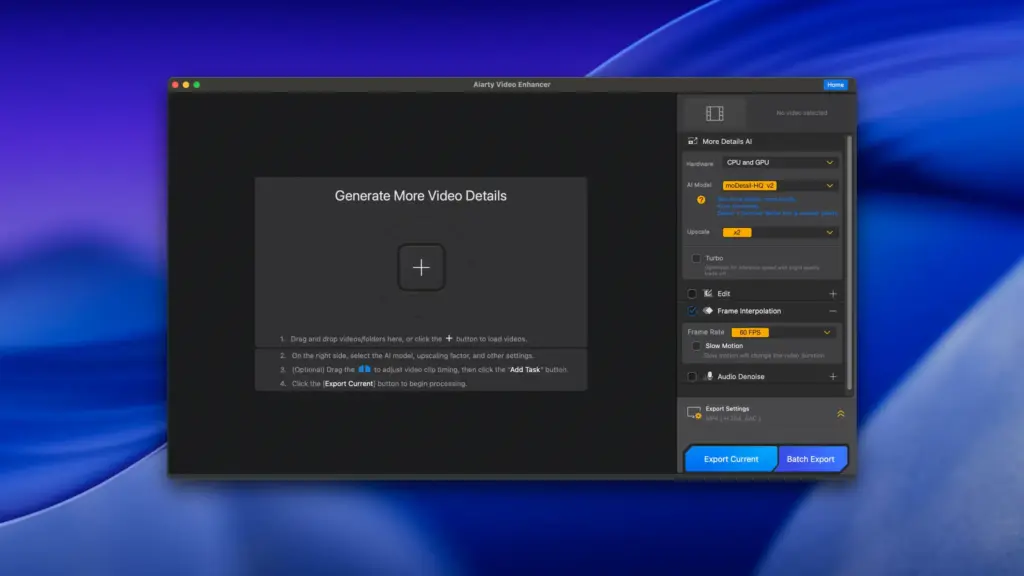
Aiarty provides three main processing options. They are designed for different types of video problems. One focuses more on recovering details, another is aimed at reducing noise and improving general video quality, and the third is designed for difficult footage such as dark or heavily damaged video.
The results depend heavily on the original video. If a recording is very blurry or extremely low quality, the software cannot recreate every detail that was never captured. It can improve the appearance, but a processed 4K video should not be treated as the same thing as a video originally recorded in native 4K.
Video upscaling is one of its main features. You can increase the resolution of a video and create larger output files. Depending on the selected model and settings, the software supports different enlargement levels, including 2K and 4K output.
Noise reduction is useful for older recordings, low-light footage, and videos recorded with inexpensive cameras or phones. Aiarty can reduce visible grain and other unwanted noise while trying to keep important details.
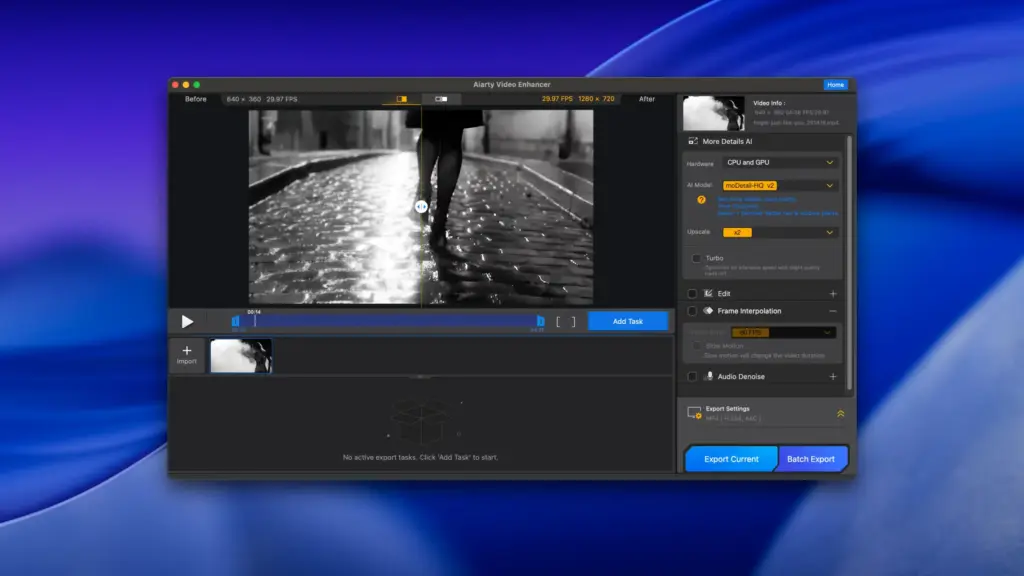
The software can also improve soft or slightly blurry footage. This can be useful for faces, hair, objects, text, and other areas where the original video lacks clarity. The amount of improvement will depend on how much useful information remains in the source file. Another feature is frame interpolation. It creates additional frames between existing frames to make movement appear smoother. This can be useful when creating slow-motion footage.
However, this feature needs some care. Fast movement, hands, hair, and objects crossing each other can sometimes produce strange results. It is worth checking the finished video instead of assuming every frame will look correct.
Aiarty also includes audio noise reduction. This can help with unwanted background noise in some recordings. However, removing too much noise can also affect music or other sounds that you want to keep.
The app supports batch processing, so multiple videos can be added instead of processing every file separately. This can save time when working with a collection of old recordings. Performance depends on the Mac, video length, resolution, frame rate, and selected settings. Apple Silicon Macs are supported, while Intel Macs need a dedicated graphics card with at least 4GB of video memory according to Aiarty’s requirements.
Processing can take a while with large files. Independent testing has found that some videos can take around the same amount of time as their playback length, although results vary considerably between systems and settings.
Storage is another thing to consider. Enhanced videos can become much larger than the original files. In one independent test, a video that was around 178MB grew to about 5.9GB during processing. This should not be treated as a standard file-size increase, but it shows why having enough free storage is important.
Aiarty supports many common video formats, including MP4, MOV, MKV, AVI, WebM, WMV, MTS, M2TS, M4V, MPEG, MXF, and VOB. Output options include formats such as MP4 and MOV, with support for codecs including H.264, H.265, ProRes, and AV1 depending on the selected settings.
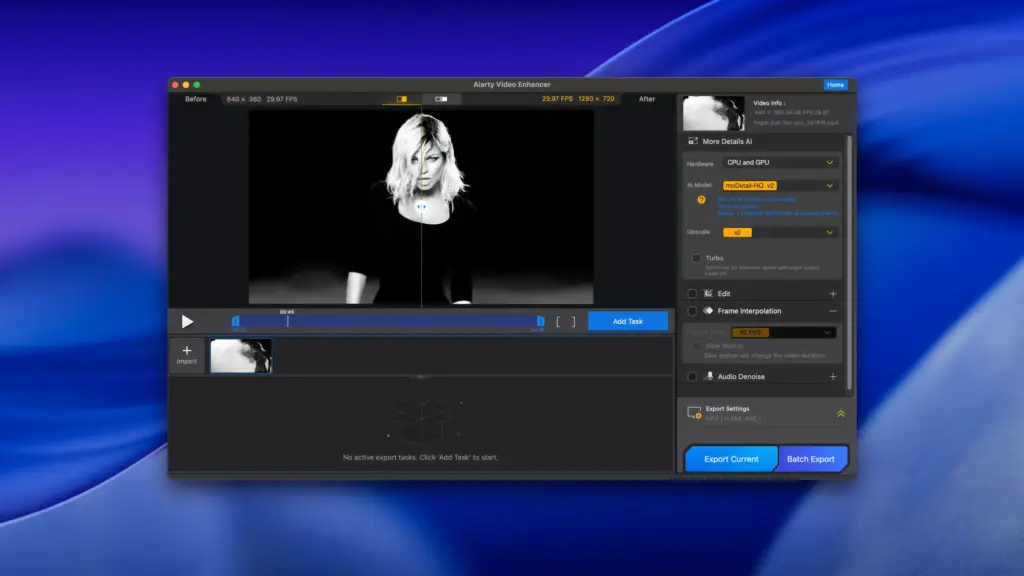
The software can fit well into an existing editing workflow. For example, you can improve an old or low-quality clip in Aiarty and then bring the processed video into Final Cut Pro or DaVinci Resolve for further editing. Aiarty is not designed to replace a full video editor. It is more useful as a separate tool for improving the quality of footage before or after editing.
Features of Aiarty Video Enhancer for Mac
- Video quality improvement
- Video upscaling
- 2K and 4K output
- Video noise reduction
- Video sharpening
- Blur reduction
- Detail improvement
- Face and hair detail enhancement
- Three main video improvement models
- Smooth video playback through frame interpolation
- Slow-motion video creation
- Audio noise reduction
- Basic brightness adjustments
- Contrast adjustments
- Color adjustments
- HDR-related processing
- Batch video processing
- Local processing on Mac
- Apple Silicon support
- Intel Mac support
- macOS 13 or later
- MP4 support
- MOV support
- MKV support
- AVI support
- WebM support
- WMV support
- ProRes support
- 264 and H.265 support
- AV1 support
- Works alongside Final Cut Pro
- Works alongside DaVinci Resolve
Technical Details:
- Software Name: Aiarty Video Enhancer MacOS
- Software File Name: Aiarty Video Enhancer 3.8.dmg
- Version: 3.8
- File Size: 182 MB
- File Extension: DMG
- License Type: Premium
- Developer: Airy
System Requirements
- Operating System: macOS 10.10 or later
- Processor: Apple Silicon (M1, M2, M3, M4, M5) or Intel Core 64-bit
- RAM: 8 GB minimum, 16 GB recommended
- Storage: 500 MB free disk space
Best Alternatives to Aiarty Video Enhancer for Mac
Topaz Video AI: A popular option for video enhancement, upscaling, noise reduction, and frame-related processing. It is aimed at users who want more control over video improvement.
VideoProc Converter AI: Combines video conversion with tools for improving and enlarging videos. It can be useful for users who want several video tools in one application.
HitPaw Video Enhancer: Focuses on improving low-quality videos with automated enhancement tools. Its interface is aimed at users who prefer a simpler approach.
DaVinci Resolve: A full video editing application with advanced color, effects, and editing tools. It is more suitable if video editing is the main requirement rather than simply improving old footage.
Final Cut Pro: Apple’s professional video editor for Mac. It provides extensive editing features and works well when video enhancement is only one part of a larger editing project.
Aiarty Video Enhancer 3.8 for Mac Free Download
Click the button below to download Aiarty Video Enhancer for Mac latest full version setup free. It is a complete standalone installer for macOS with a single-click download link.