AllMacWorld MAC Apps One Click Away
Download Aescripts AI Color Match Pro 1.6.14 for Mac free latest full version standalone setup. Aescripts AI Color Match Pro 2026 for Mac is a powerful, easy-to-use tool designed to make color correction and matching. It allows users to match exposure, contrast, white balance, and overall color tone between different video shots without complicated workflows.
Aescripts AI Color Match Pro 2026 for Mac Review
Matching color across different cameras is one of the most repetitive jobs in video editing. Every shot has its own exposure, its own white balance, its own mood. AI Color Match Pro removes most of that manual work. You pick a style frame, and the plugin studies it with a neural network. Then it applies that same look to the rest of your footage. You can also download Adobe After Effects for macOS
The plugin runs natively on Mac, on both Intel chips and Apple Silicon. This matters for editors on M1, M2, M3, and M4 machines, since the plugin uses your GPU directly. No footage leaves your computer. All the processing happens on your own hardware, which is a relief for anyone working with client footage under an NDA.
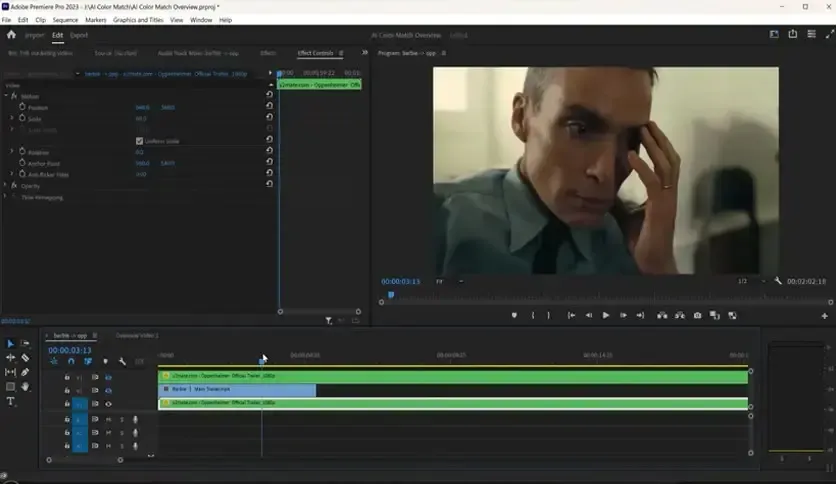
The Pro version adds two things the free version does not have. First, LUT export. You can bake your color match into a LUT file and use it in other software, including DaVinci Resolve or Nuke through OFX support. Second, 16 and 32 bit per channel support, which keeps color detail intact in high-end workflows.
One pain point Mac users report is occasional lag right after a new Premiere Pro update. The developer usually patches this within a version or two, and rolling back to the last stable Premiere build fixes it in the meantime. Another common issue is slower rendering on 4K footage on older Macs. Exporting the match as a LUT and applying the LUT instead of the live effect solves this for most people.
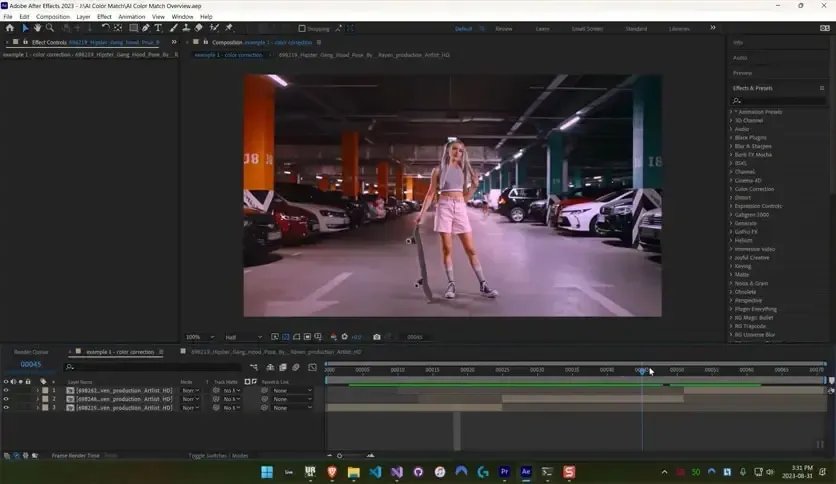
The program also supports real-time previews, so you can see exactly how your adjustments will look before exporting. It works seamlessly with video editing software on MacOS, offering a smooth workflow and compatibility with popular formats. With its efficient AI engine, it ensures that color consistency is no longer a time-consuming hurdle, but rather an effortless part of your editing process.
Features of AI Color Match Pro
- Automatic color matching for exposure, contrast, and white balance
- Works natively on Mac with Intel and Apple Silicon chips
- All processing runs locally on your GPU, so no footage is uploaded
- LUT export for use in DaVinci Resolve, Nuke, and other tools
- 16 and 32 bit per channel support for high fidelity color work
- Reference frame matching, so you can copy the grade from any favorite shot
- Adjustable intensity slider to control how strong the match looks
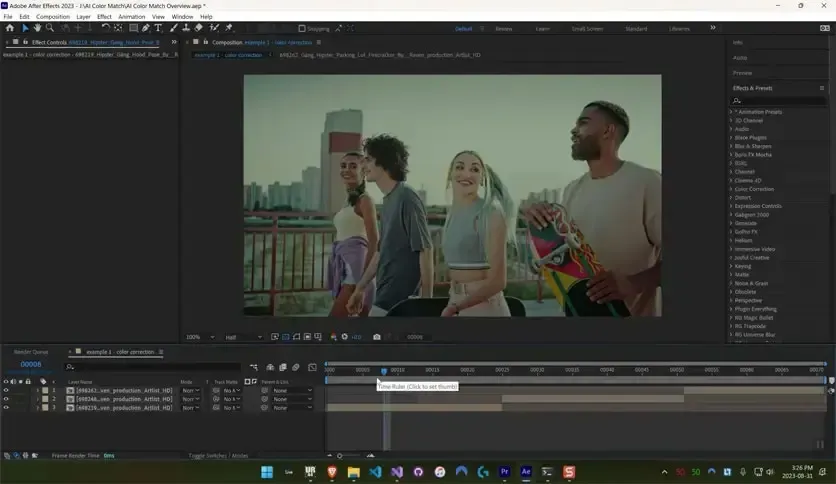
- Works inside both After Effects and Premiere Pro
Technical Details:
- Software Name: Aescripts AI Color Match Pro 1.6.14
- Software File Name: Aescripts AI Color Match Pro 1.6.14.dmg
- Version:6.14
- File Size: 18 MB
- File Extension: DMG
- License Type: Premium
- Developer: Aescripts
System Requirements
- Operating System: macOS 10.13 High Sierra or later
- Processor: Apple Silicon (M1, M2, M3, M4, M5) or Intel Core 64-bit
- RAM: 8 GB minimum, 16 GB recommended
- Storage: 500 MB free disk space
Best Alternatives to AI Color Match Pro
AI Color Match Pro is not the only option for color matching on Mac. Here are a few worth knowing about:
Lumetri Color Match (Premiere Pro): Built directly into Premiere Pro, free to use if you already have the app. Less accurate on very different cameras or lighting, but a fine starting point for simple projects.
DaVinci Resolve Color Match: Resolve has its own shot matching tools built into its color page. Good if you already color grade inside Resolve instead of Premiere or After Effects.
Color Finale Pro (Final Cut Pro): A strong option for Final Cut Pro editors who want advanced color tools with a similar matching workflow.
Manual scopes-based grading: Using waveform and vectorscope tools by hand still gives the most control, though it takes far more time and skill.
AI Color Match Pro stands out because of its AI-driven accuracy across mismatched cameras, its local GPU processing, and its native Apple Silicon support.
Aescripts AI Color Match Pro 1.6.14 for Mac Free Download
Click the button below to download Aescripts AI Color Match Pro for Mac latest full version setup free. It is a complete standalone installer for macOS with a single-click download link.