AllMacWorld MAC Apps One Click Away
Download PDF Pals v1.11.1 for Mac free latest full version standalone setup. PDF Pals 2026 for MacOS is a powerful macOS app that lets you instantly and securely interact with PDFs on your Mac.
PDF Pals 2026 for Mac Review
PDF Pals for Mac is an app that helps you read and understand PDF documents faster. You can ask questions about a file, get a summary, and find information without searching through every page yourself. The app is useful for students, researchers, writers, developers, and professionals who work with long documents. You can also download PDFCraft for MacOS
It can also read scanned PDFs and help you compare information across several files. PDF Pals makes it easier to find information in long documents. Instead of reading every page to locate a particular detail, you can ask a question in plain English and receive an answer based on the document.
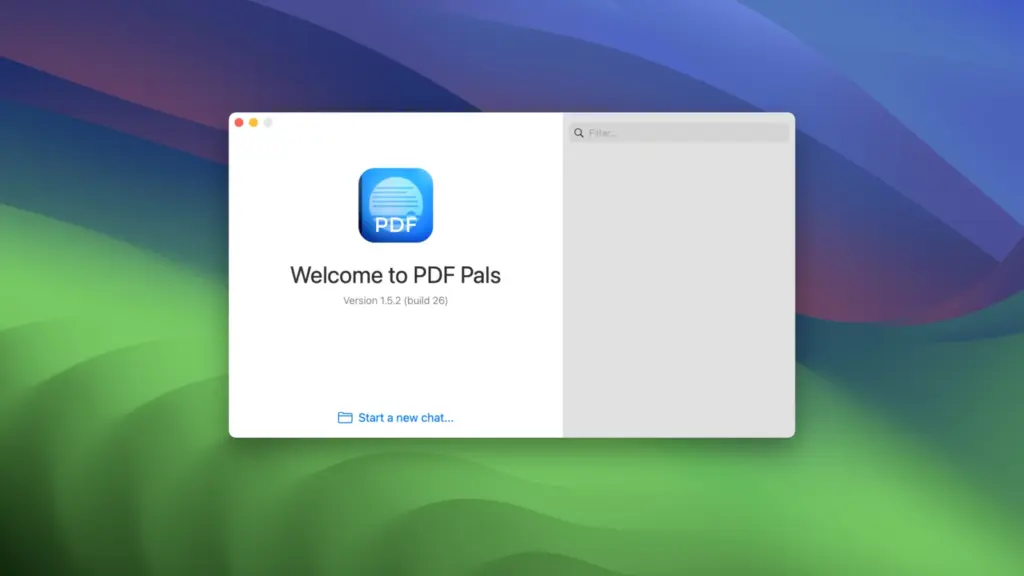
For example, imagine you have a 200-page technical manual. You need to find its system requirements or understand a particular feature. You can ask PDF Pals a direct question and check the pages referenced in its answer. This can save time when working with research papers, reports, manuals, and ebooks.
The app is designed for macOS and provides a dedicated workspace for reading documents and asking questions. Its main purpose is to help you understand information, rather than replace every feature of a traditional PDF editor.
PDF Pals also has two versions. Classic focuses on PDF files, while the newer v2 version supports additional file types and includes built-in options for running AI models on your Mac. The developer’s documentation describes v2 as a beta version, so check the official website for the latest release information.
The app is fairly straightforward to use. Open a document, enter a question, and review the answer. You can then open the referenced pages to check whether the information is correct. For better results, ask clear questions. For example, instead of requesting a general summary of a research paper, ask about its main findings, research methods, sample size, and limitations separately.
PDF Pals can also work with multiple documents. This is helpful when comparing research papers, checking technical information across manuals, or reviewing several business reports. However, you should always check important findings against the original files.
Another useful feature is its ability to read scanned PDFs. Some documents contain images of pages rather than searchable text. PDF Pals can use text recognition to extract information from these pages. The results depend on the quality of the scan. Blurry pages, unusual fonts, handwritten notes, and complicated tables can cause mistakes. If an answer does not look right, check the original page.
Privacy is another reason some users may consider PDF Pals. The app offers options for processing documents on your Mac. When configured for local processing, both document indexing and answer generation can take place on your computer.
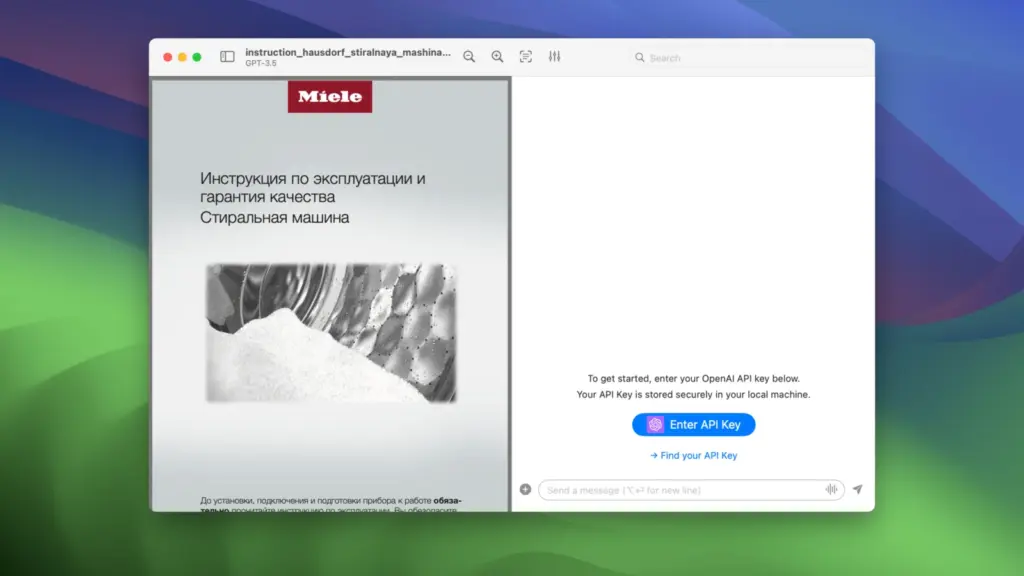
However, using an online AI provider works differently. Your question and the relevant parts of a document may be sent to that provider. If you work with confidential files, check your settings before asking questions about them. Overall, PDF Pals is best suited to people who regularly read long documents and need to find specific information quickly. If you only open PDFs occasionally, the free Preview app on your Mac may be enough.
Features of PDF Pals for Mac
- Ask questions about PDFs: Find information by typing questions in plain English.
- Summarize documents: Get a shorter explanation of long reports and research papers.
- Compare multiple files: Look for similarities and differences across several documents.
- Check source pages: Follow references to the pages used to answer a question.
- Read scanned PDFs: Extract text from scanned documents and page images.
- Use local models: Process documents on your Mac when the appropriate local settings are enabled.
- Connect other AI services: Use supported providers with your own API key.
- Open different file types: The newer version supports PDFs, Word documents, spreadsheets, presentations, ebooks, and other formats.
- Protect sensitive information: Use available privacy settings to hide selected details before sending text to an online AI service.
- Work in a Mac app: Open and manage documents through a dedicated macOS application.
- Adjust model settings: Choose supported models and change how the app handles document questions.
- Support research tasks: Find key points, evidence, findings, and limitations in source documents.
Technical Details:
- Software Name: PDF Pals MacOS
- Software File Name: PDF Pals v1.11.1.dmg
- Version: 1.11.1
- File Size: 72 MB
- File Extension: DMG
- License Type: Premium
- Developer: PDFPals
System Requirements
- Operating System: macOS 10.10 or later
- Processor: Apple Silicon (M1, M2, M3, M4, M5) or Intel Core 64-bit
- RAM: 4 GB minimum, 8 GB recommended
- Storage: 200 MB free disk space
Best Alternatives to PDF Pals for Mac
Apple Preview is included with macOS, so you do not need to buy another app to use it. It lets you read PDFs, highlight text, add notes, sign documents, and fill supported forms. Its main advantage is simplicity. It works well for everyday PDF tasks without requiring a paid subscription. However, Preview does not offer the same dedicated question-and-answer features as PDF Pals.
Adobe Acrobat is a more suitable choice if you need to edit PDFs as well as read them. It offers tools for changing document content, converting files, signing forms, and managing PDF documents. It also offers AI features for supported plans and workflows. The main drawback is that some advanced tools require a paid subscription. It may be more than you need if your main goal is simply to ask questions about documents.
ChatPDF lets you upload PDF documents and ask questions about their contents through a web browser. It can help summarize documents and find specific information without installing a Mac application. Its browser-based design is useful if you prefer working online. However, review its current privacy policy before uploading personal, financial, or confidential documents.
LocalPDF is another option to investigate if you want to work with documents using local processing. It may appeal to Mac users who prefer keeping their files on their own computers. Before choosing it, check its current features, supported Mac versions, and available models. These details may differ from PDF Pals.
Adobe Acrobat AI Assistant adds question-and-answer features to Adobe’s document tools. It can help summarize documents and find information within supported files. Its main advantage is that it works alongside Acrobat’s existing PDF tools. This makes it worth considering if you already use Adobe Acrobat for editing and managing documents.
PDF Pals v1.11.1 for Mac Free Download
Click the button below to download PDF Pals 2026 for Mac latest full version setup free. It is a complete standalone installer for macOS with a single-click download link.