AllMacWorld MAC Apps One Click Away
Download Multi-List Timer 11.7 for Mac free latest full version standalone setup. Multi-List Timer 2026 for MacOS is a productivity application for Apple devices designed to create and run multiple timer lists simultaneously for studying, work, and workouts.
Multi-List Timer 2026 for Mac Review
Multi-List Timer is a simple Mac app designed for people who need more than one timer for their daily tasks. It is useful for studying, working, exercising, cooking, drawing, and other activities where you need to follow a set amount of time. You can also download Commander One Pro for MacOS
The main idea behind the app is its timer lists. Instead of setting up a new timer every time you finish one task, you can prepare a list of timers for a complete activity. This can make it easier to follow a routine without constantly checking the clock.
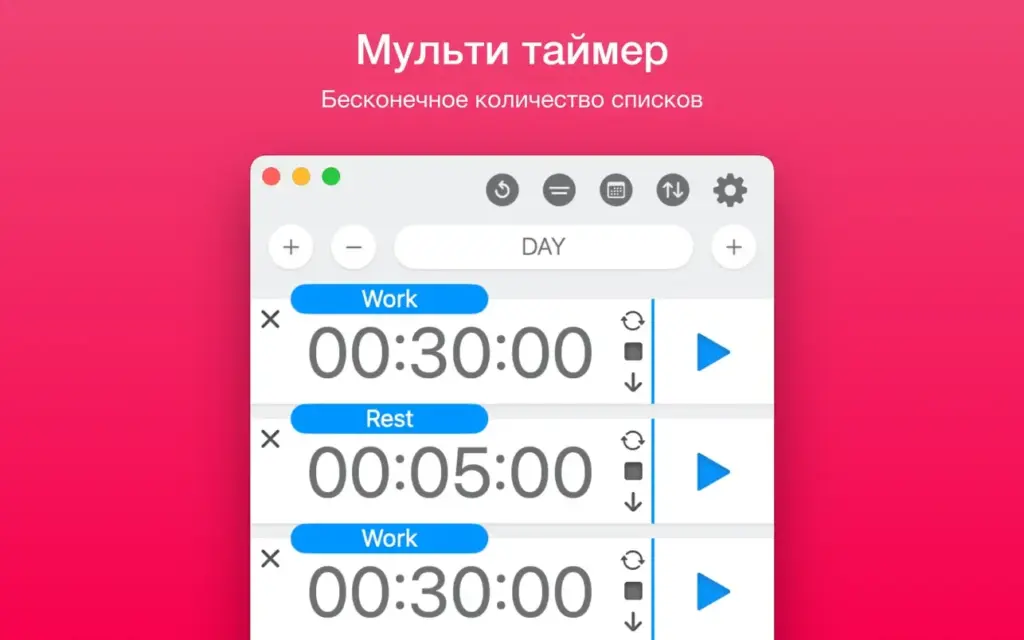
For example, you could create a study list with 25 minutes of focused work, followed by a 5-minute break. You could also create a workout list with different times for warm-up, exercise, and rest. For cooking, you can set up different timers for several steps of a recipe. This makes Multi-List Timer different from a basic countdown timer. It is more useful when your activity has several timed steps.
The app also supports notifications, so you can know when a timer has finished without keeping the app in front of you. User reviews on the Mac App Store mention using it for exercise, cooking, and timed drawing exercises. One user specifically liked that another timer could start after the previous one finished.
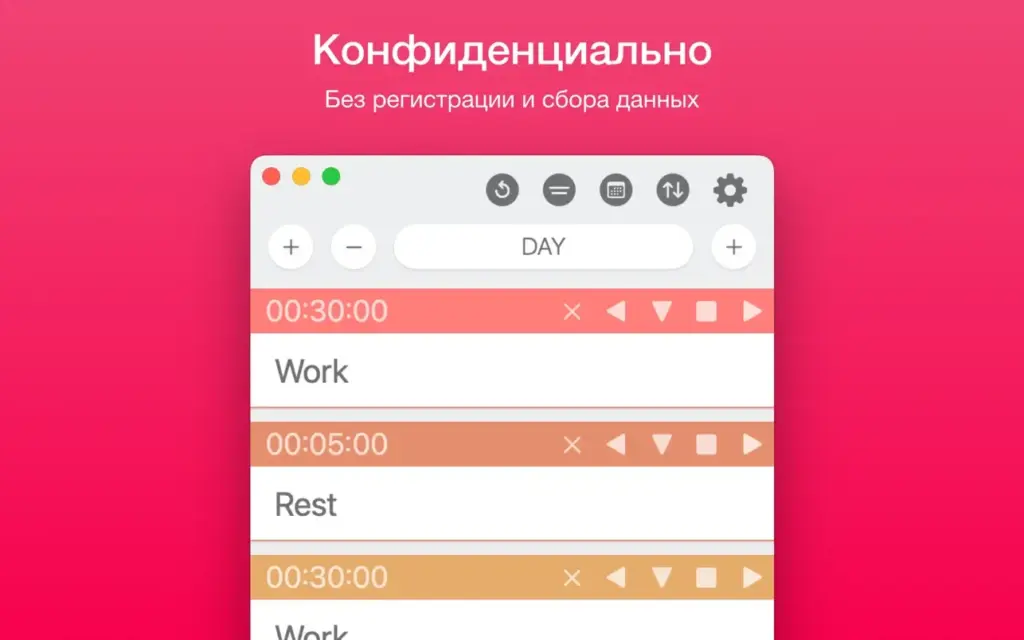
Multi-List Timer is developed by Roman Sevastyanov and is available for Mac, iPhone, and iPad. The Mac version requires macOS 11.0 or later. Another useful point is that the developer says the app works offline and does not require an account. The App Store privacy information also states that the developer does not collect data from the app.
Overall, Multi-List Timer is mainly designed for people who want to prepare a series of timed tasks rather than simply start one countdown. If your daily routine includes repeated activities with different time limits, this approach can be convenient.
Features of Multi-List Timer for Mac
- Create multiple timer lists for different activities.
- Set up timers for studying and focused work.
- Create timed workout routines.
- Use separate timers while cooking.
- Useful for drawing and other timed practice sessions.
- Set several steps in a planned timer sequence.
- Move from one timer to the next during a routine.
- Receive notifications when timers finish.
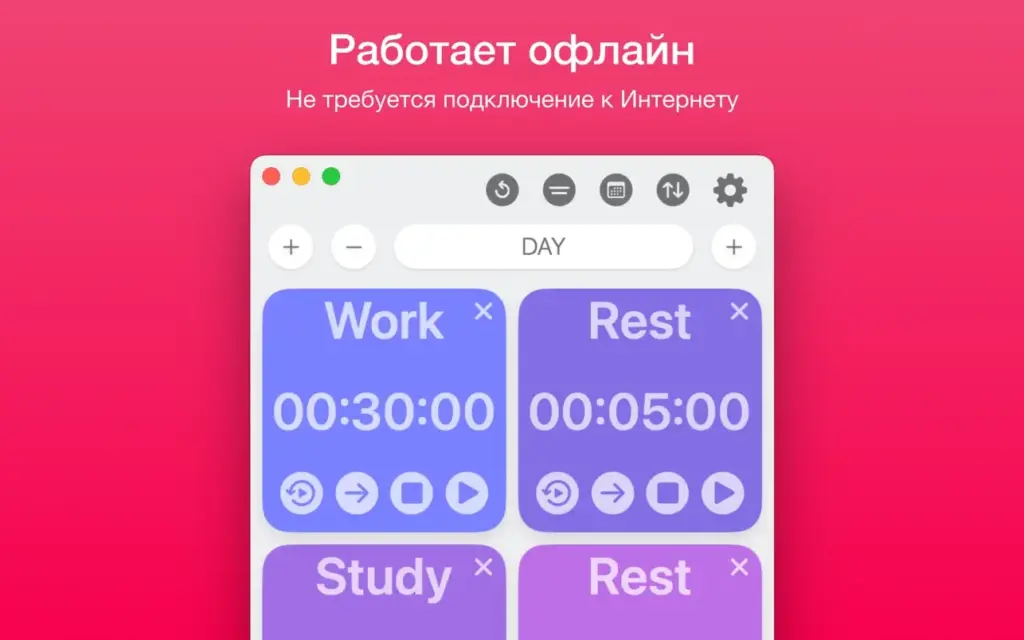
- Works without an internet connection.
- No ads according to the App Store listing.
- No subscription is required.
- No account or sign-up is required.
- Available for Mac, iPhone, and iPad.
- Supports Macs running macOS 11.0 or later.
- Available through the Apple App Store.
- Recent updates include bug fixes and interface improvements.
Technical Details:
- Software Name: Multi-List Timer MacOS
- Software File Name: Multi-List Timer 11.7.dmg
- Version: 11.7
- File Size: 6 MB
- File Extension: DMG
- License Type: Premium
- Developer: Roman Sevastyanov
System Requirements
- Operating System: macOS 10.10 or later
- Processor: Apple Silicon (M1, M2, M3, M4, M5) or Intel Core 64-bit
- RAM: 4 GB minimum, 8 GB recommended
- Storage: 200 MB free disk space
Best Alternatives to Multi-List Timer for Mac
If Multi-List Timer does not have everything you need, there are several other timer apps worth looking at.
Apple Clock is a simple option that comes with Apple devices. It is suitable for basic countdowns and does not require installing another app.
MultiTimer: Multiple Timers is designed for people who want several timers and different timer types in one place. It also offers options for repeating timers and different layouts.
AS TimerPRO is another option for users who need several timers at the same time. It supports up to 10 timers, timer chains, custom sounds, colors, and full-screen use.
Peachy Timer is a menu bar timer for Mac. It is useful if you want quick access to timers without keeping a large window open.
Apimac Timer provides countdown timers, stopwatches, alarms, repeating timers, and several timers running at the same time.
If you only need an occasional countdown, Apple’s built-in Clock app may be enough. But if you want to organize a complete activity around several timers, Multi-List Timer offers a more focused approach.
Multi-List Timer 11.7 for Mac Free Download
Click the button below to download Multi-List Timer 2026 for Mac latest full version setup free. It is a complete standalone installer for macOS with a single-click download link.