AllMacWorld MAC Apps One Click Away
Download Mole 1.13.0 for Mac free latest full version standalone setup. Mole 2026 for MacOS is a system cleaning and maintenance tool that combines cleaning, uninstalling, optimizing, analyzing, and health checking functions into one application, eliminating the need for users to switch between multiple tools.
Mole 2026 for Mac Review
Mole for Mac is a tool for cleaning and maintaining a Mac. It helps remove unwanted apps, leftover files, caches, logs, and other files you no longer need. One of its main uses is removing an app along with the files it leaves behind. Simply moving an app to the Trash does not always remove everything connected to it. Mole gives you a way to find these leftover files and clean them up from one place. You can also download CleanMyMac X
Mole is useful if you regularly install and remove apps on your Mac. When you delete an app from the Applications folder, some of its files may stay on your Mac. These can include settings, temporary files, saved data, and logs. They are often stored in folders that you don’t normally see when using Finder. Finding these files yourself can take time. You also need to know which files belong to the app and which ones should be left alone.

Mole makes this process easier by looking for files connected to the app you want to remove. This can be especially useful for people who try many apps. Developers, designers, musicians, video editors, and other Mac users can collect a lot of leftover data after installing and removing software over time.
Mole can also help with other cleaning tasks, including removing caches and logs. However, you should not delete everything it finds without checking it first. Some files may contain settings or information that you still need. Other files may be used by more than one app. A file being shown during a scan does not automatically mean it is safe to remove.
The safest approach is to check the files before deleting them. Mole can also help free up storage. If your Mac is running low on space, finding old app files, large unwanted files, and other unnecessary data can give you some of that space back.
Don’t expect cleaning to automatically make every slow Mac faster, though. If your Mac is slow, the problem may be low storage, too many apps running at the same time, a large number of browser tabs, an old Mac, or another issue. Removing a few cache files won’t fix every performance problem.
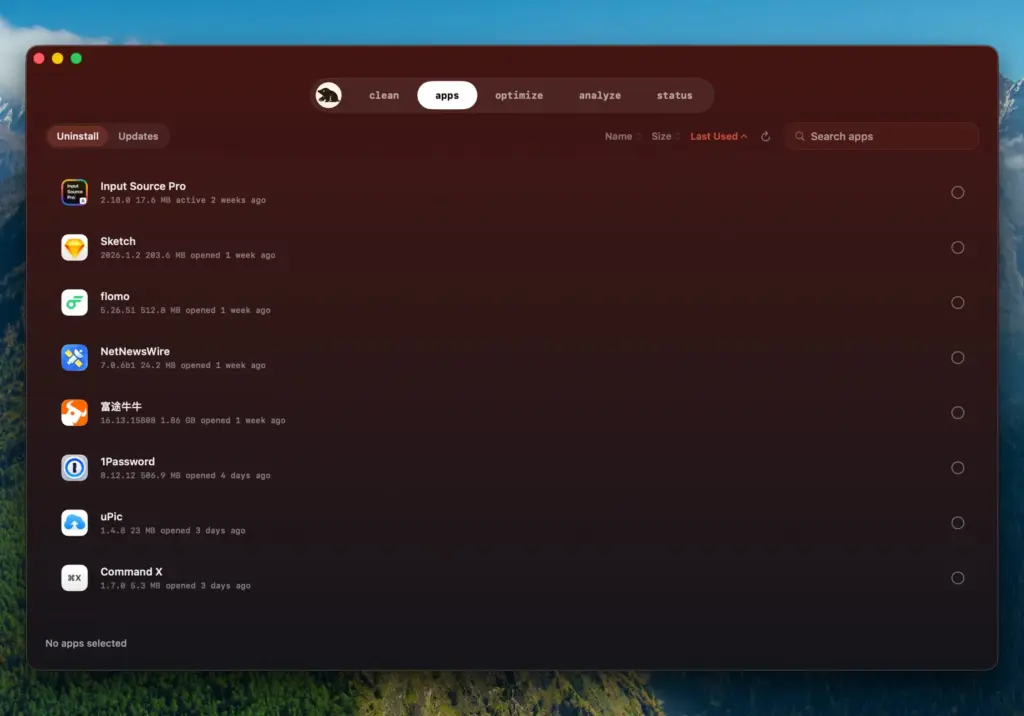
Cache cleaning is also something you don’t need to do constantly. Apps use cache files to load certain information faster. After you remove them, many apps simply create them again. Mole is therefore more useful when you have a specific reason to clean your Mac. For example, you may have just removed a large app and want to delete its remaining files. You may also be running out of storage and want to find unnecessary data.
Another advantage is that Mole can save you from searching through hidden folders yourself. Advanced Mac users can do this manually, but it takes more time and requires a better understanding of where macOS stores app data.
Before doing major cleanup, make sure you have a recent backup. Time Machine is Apple’s built-in backup option and can help you recover files if something important is accidentally removed. Overall, Mole is a useful choice for Mac users who want more control over app removal and system cleaning without having to search for every leftover file manually.
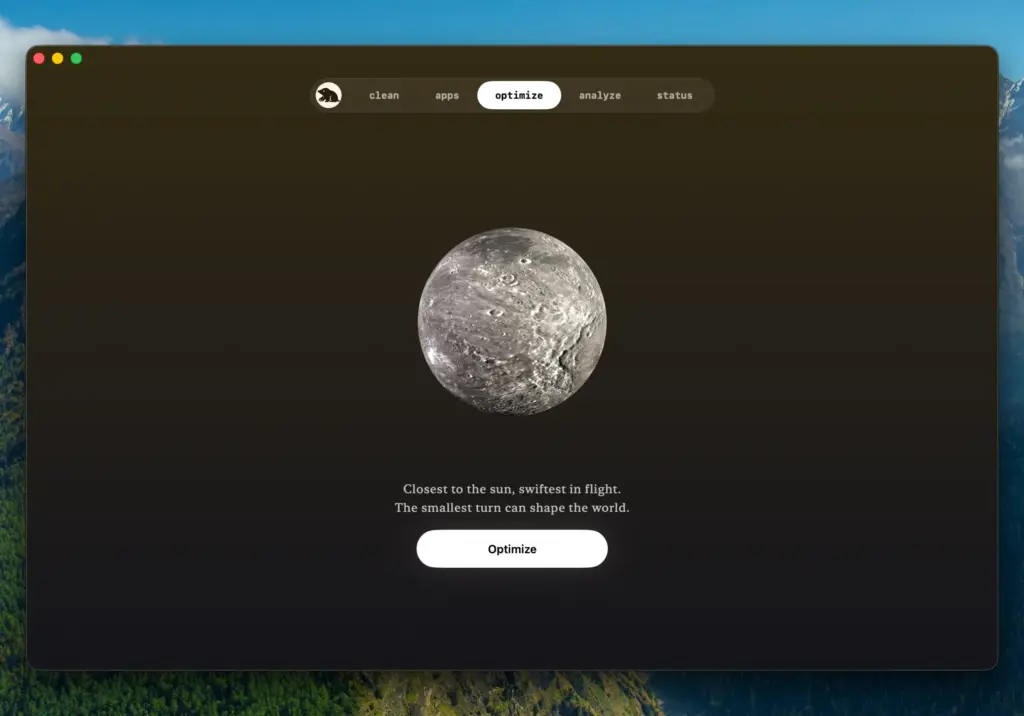
Features of Mole for Mac
- Application removal: Helps uninstall applications and locate files associated with them.
- Leftover file cleanup: Can identify supporting data that remains after applications are removed.
- Cache cleaning: Provides tools for removing unnecessary cached data.
- Log cleanup: Helps identify and remove certain accumulated log files.
- System maintenance: Provides additional maintenance functions beyond a basic application uninstall.
- Storage cleanup: Can help locate files that are consuming unnecessary disk space.
- Library file inspection: Makes it easier to deal with application data stored outside the main Applications folder.
- Command-based workflow: Mole is designed with a workflow that can appeal to users who prefer more control over system maintenance.
- Useful for frequent installers: Particularly helpful for users who regularly test, install, and remove applications.
Technical Details:
- Software Name: Mole MacOS
- Software File Name: Mole 1.13.dmg
- Version: 1.13
- File Size: 20 MB
- File Extension: DMG
- License Type: Premium
- Developer: tw93
System Requirements
- Operating System: macOS 10.10 or later
- Processor: Apple Silicon (M1, M2, M3, M4, M5) or Intel Core 64-bit
- RAM: 4 GB minimum, 8 GB recommended
- Storage: 100 GB free disk space
Best Alternatives to Mole for Mac
Mole isn’t the only way to maintain or clean a Mac. The right option depends on how much control you want and how comfortable you are with macOS system files.
AppCleaner is a popular option for users whose main requirement is completely removing applications and their associated files. Its focus is narrower than a full system-maintenance utility, which can actually be an advantage if application removal is your primary requirement.
CleanMyMac takes a broader approach. It combines application removal with storage cleanup, system maintenance, and other Mac management functions. It is aimed more toward users who prefer a graphical interface and an all-in-one experience.
OnyX is another established macOS maintenance utility. It provides access to various system maintenance and configuration functions. It is more technical in nature, so it may appeal more to experienced Mac users.
macOS built-in tools should not be overlooked. Finder, Storage settings, Activity Monitor, Disk Utility, and Time Machine already provide several important maintenance capabilities. If you only need to remove a few applications or free up obvious storage, installing a third-party cleaner may not be necessary.
The key difference is control.
If you want a simple application uninstaller, AppCleaner may be enough. If you want a broader graphical cleaning suite, CleanMyMac is worth considering. If you want deeper system maintenance options, OnyX is another choice. If you prefer a lightweight, more technical approach to cleanup, Mole can be an attractive option.
Mole 1.13 for Mac Free Download
Click the button below to download Mole 2026 for Mac latest full version setup free. It is a complete standalone installer for macOS with a single-click download link.