AllMacWorld MAC Apps One Click Away
Download DockApp v1.0.16 for Mac free latest full version standalone setup. DockApp 2026 for MacOS is a Dock customizer for Mac that completely replaces the system Dock with a panel you create from scratch. You can customize its appearance, add live widgets, and gain advanced window management tools.
DockApp 2026 for Mac Review
DockApp for Mac is a tool that lets you change how the macOS Dock looks and works. It adds useful features to the standard Dock. These include live window previews, faster window switching, and tools to organize open apps. You can also download Hype Pro for MacOS
The default Mac Dock gives you quick access to apps and files. However, it has limited options for managing open windows. DockApp aims to solve this problem. It combines Dock customization with tools that help you switch between apps and keep your desktop organized.
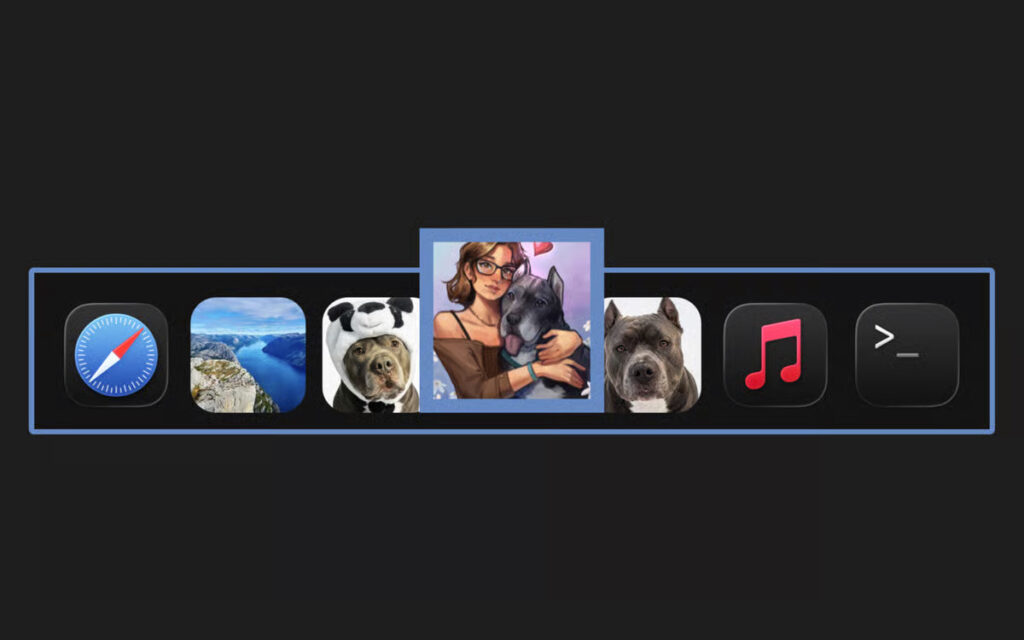
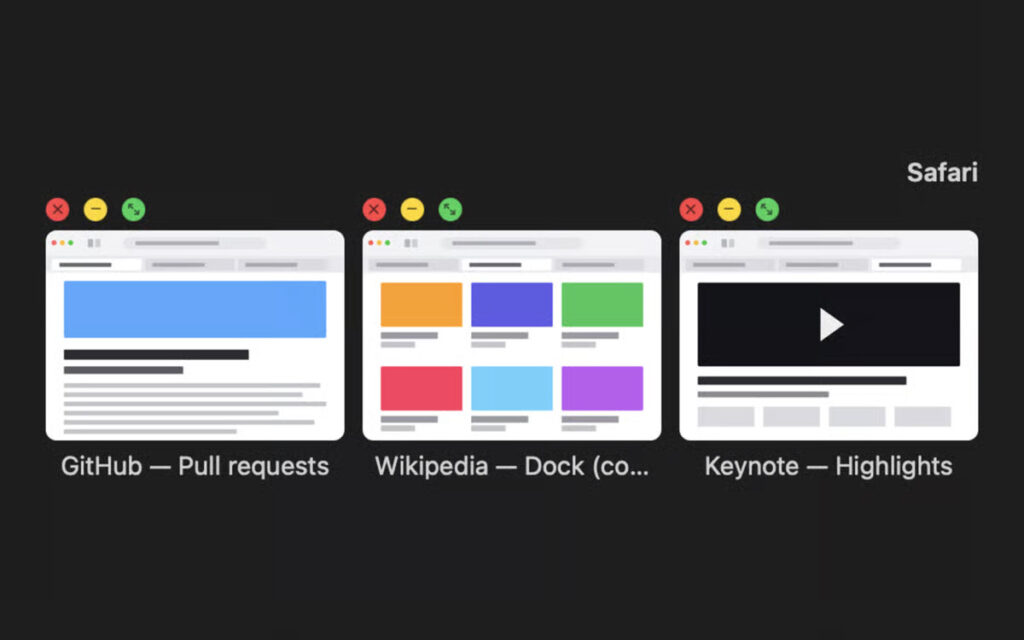
One of its main features is the live window preview. When you move your pointer over an app, you can see its open windows. This makes it easier to find the window you need without opening each one separately.
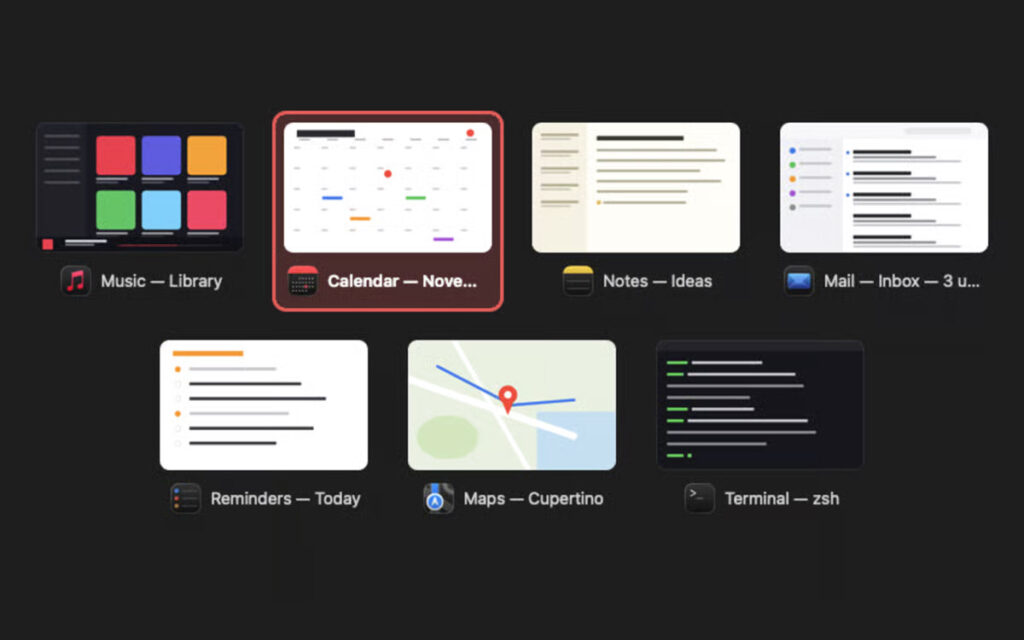
DockApp also includes a window switcher that uses previews instead of showing only app icons. It offers window snapping, saved layouts, custom icons, and options for changing the Dock’s position and spacing. The app also provides extra tools, such as a file shelf and small widgets. These can help you access files and check details like battery level, downloads, and system activity.
DockApp supports Apple silicon and Intel-based Macs running macOS 14 or later, according to its official website. The developer also states that the app is notarized by Apple and does not require you to disable System Integrity Protection.
Overall, DockApp may be useful if you want more control over your Mac’s Dock and open windows. However, if you only need basic Dock settings, the built-in macOS options may be enough. It is worth considering if you regularly work with many open apps and want a more flexible Dock. DockDoor is a good option to explore if you prefer a free, open-source tool. DockFix may suit users who mainly want to change the Dock’s appearance, while Rectangle is useful for arranging windows.
Features of DockApp for Mac
- Dock appearance: Change the Dock’s position, spacing, and layout.
- Custom icons: Personalize app icons to suit your preferences.
- App grouping: Organize apps for easier access.
- Live window previews: View open windows by moving your pointer over an app.
- Improved window switching: Find and switch between open windows using visual previews.
- Window snapping: Arrange windows into different areas of your screen.
- Saved layouts: Keep window arrangements for tasks you do often.
- Keyboard shortcuts: Use shortcuts to manage windows and switch between apps.
- File shelf: Keep useful files close at hand.
- Live widgets: View information such as battery level, downloads, and system activity.
- Flexible Dock placement: Adjust where the Dock appears on your screen.
Technical Details:
- Software Name: DockApp MacOS
- Software File Name: DockApp v1.0.16.dmg
- Version: 0.16
- File Size: 6 MB
- File Extension: DMG
- License Type: Premium
- Developer: SKJ Apps
System Requirements
- Operating System: macOS 10.10 or later
- Processor: Apple Silicon (M1, M2, M3, M4, M5) or Intel Core 64-bit
- RAM: 8 GB minimum, 16 GB recommended
- Storage: 4 GB free disk space
Best Alternatives to DockApp for Mac
DockDoor is a free, open-source option for Mac users who want live window previews and faster window switching. It adds these features to the existing Dock instead of requiring you to replace it. It may suit users who want extra features without paying for DockApp.
DockFix focuses on changing the appearance and behavior of the Mac Dock. It offers options for colors, transparency, animations, icons, folders, and other custom settings. Depending on the available version and settings, it can enhance the built-in Dock or provide a different Dock experience.
Rectangle is mainly designed to help you arrange windows on your Mac. You can move windows into different screen areas and organize your workspace more easily. It is worth considering if window management is your main concern. However, it is not a complete replacement for DockApp’s Dock customization features.
DockApp v1.0.16 for Mac Free Download
Click the button below to download DockApp 2026 for Mac latest full version setup free. It is a complete standalone installer for macOS with a single-click download link.