 AllMacWorld MAC Apps One Click Away
Download Canopy 2 v1.2.2 free latest full version standalone offline setup for Mac OS X. Canopy 2026 for macOS is an elegant app that transforms your Mac into a device with Dynamic Island, Lock Screen, Liquid Glass effects, and media control—all in one beautiful interface that works on any Mac (with or without a notch).
Canopy 2026 for Mac
Canopy for Mac is a useful utility for people who want to customize the top area of their macOS screen. It brings an interactive interface inspired by the Dynamic Island on iPhones. Instead of keeping the Mac’s notch area unused, Canopy turns it into a space that displays music, notifications, device information and other useful details. You can also download Bloom for MacOS
The app works with both MacBooks that have a notch and Macs without one. On newer MacBook models, Canopy uses the area around the notch to display its interface. On older MacBooks and desktop Macs, it can create a simulated notch. This makes the app accessible to more Mac users, regardless of their display design.
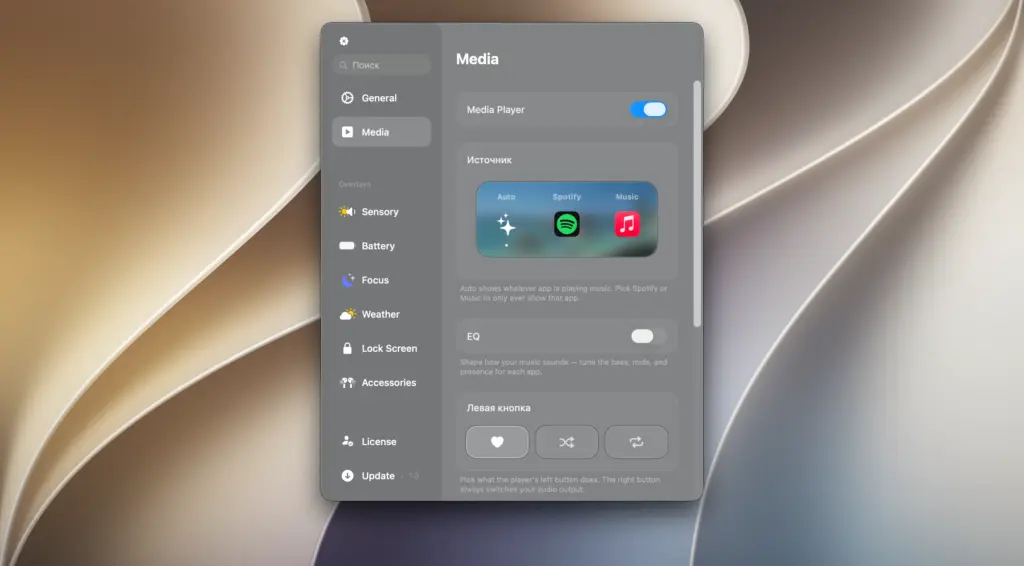
One of the most useful parts of Canopy is its music control system. It can display the currently playing song, album artwork, artist name and playback controls. Users can play or pause music, skip tracks and access other supported controls without switching to their music application. Canopy supports music services such as Apple Music, Spotify and Tidal, along with supported media playback sources.
Canopy also supports synchronized lyrics. Users can view lyrics while listening to music, and the app can display them on the lock screen. The lyrics can follow the song’s timing, with individual words highlighted as they are sung. This feature is useful for people who enjoy following lyrics or want a more interactive music experience on their Mac.
The lock screen is another important part of Canopy. The app adds music artwork, lyrics, widgets and other information to the screen. It can also display motion artwork for supported music. Users can customize the appearance and position of some lock screen elements. These options help make the Mac lock screen more useful and visually different from the standard macOS design.
Canopy also provides information about connected AirPods. It can display battery details and listening modes, including Transparency and Noise Cancellation, depending on the AirPods model. This makes it easier to check the status of connected headphones without opening additional menus.
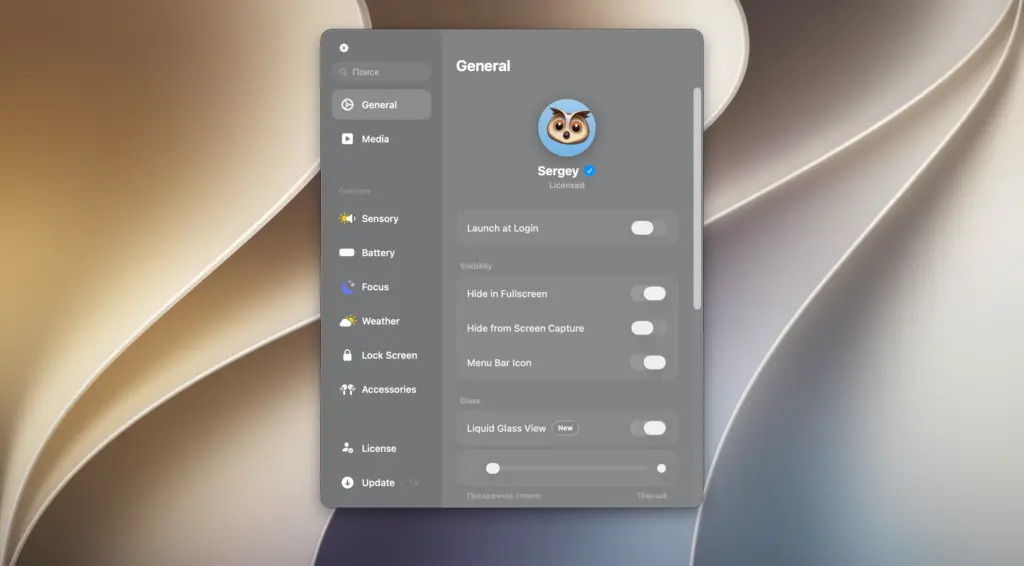
The app includes an audio equalizer that allows users to adjust sound for different applications. This can be useful for people who use their Mac for music, videos and other audio content. Instead of applying the same sound settings to everything, Canopy offers controls for shaping audio according to the application being used.
Another feature is Portal, which works with a companion iPhone app. It allows users to send photos, videos, files and clipboard content from their iPhone to their Mac. The transfer uses a visual animation, making the process different from the standard AirDrop interface. This feature requires the companion iPhone app and its supported setup.
Canopy also offers a Face ID-style feature through Glance. It uses the Mac camera for facial recognition and is designed to let users unlock their Mac by looking at the screen. According to the developer, facial recognition processing happens locally on the Mac. However, this is software-based facial recognition and is not the same as Apple’s hardware-backed Touch ID. Users should continue to rely on Apple’s built-in security features for sensitive access.
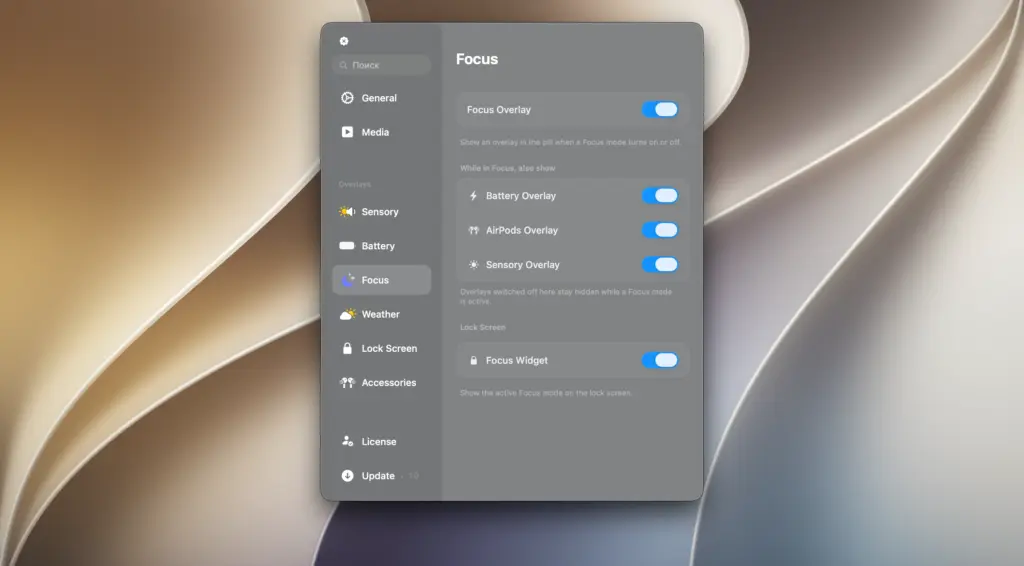
The interface includes different appearance options, such as Liquid Glass, Light and Dark. Users can adjust the appearance to suit their desktop. The app also provides additional information such as weather, battery status, charging notifications and Focus details, depending on the available settings.
Canopy is a good option for Mac users who enjoy customization and want quick access to music, device information and other controls. It offers more than just a visual effect around the notch. However, users who prefer a simple desktop and rarely use these features may not need it.
Features of Canopy for macOS
- Dynamic Island-style interface: Adds an interactive area around the MacBook notch or creates a simulated island on Macs without a notch.
- Music controls: Displays song information, album artwork and playback controls.
- Apple Music support: Provides supported playback controls and music information.
- Spotify support: Displays Spotify playback information and controls.
- Tidal support: Provides music information, artwork and supported playback controls.
- Synchronized lyrics: Displays lyrics with song timing and word-by-word highlighting for supported tracks.
- Lock screen customization: Adds music artwork, lyrics, widgets and other information.
- Motion artwork: Displays animated artwork for supported music.
- AirPods information: Shows battery details and listening modes for compatible AirPods.
- Audio equalizer: Allows users to adjust sound for supported applications.
- Portal: Transfers photos, videos, files and clipboard content from an iPhone to a Mac through its companion app.
- Face ID-style unlocking: Provides software-based facial recognition through Glance.
- Weather information: Displays weather details through the Canopy interface.
- Battery and charging alerts: Shows battery-related information and charging notifications.
- Focus information: Displays supported Focus status details.
- Liquid Glass appearance: Offers a translucent visual style inspired by Apple’s modern interface.
- Light and Dark modes: Provides alternative appearance settings.
- Mac compatibility: Supports Apple Silicon and Intel Macs according to the developer.
- Notch simulation: Works on Macs without a physical notch.
Technical Details of Canopy for Mac
- Mac Software Full Name: Canopy 2
- Version: 1.2.2
- Setup App File Name: Canopy-2-v1.2.2.dmg
- Full Application Size: 11 MB
- Setup Type: Offline Installer / Full Standalone Setup DMG Package
- Compatibility Architecture: Apple-Intel Architecture
- Latest Version Release Added On: 25 November 2026
- License Type: Full Premium Pro Version
- Developers Homepage: Canopy
System Requirements for Canopy for Mac
- OS: Mac OS 10.15 or above
- Installed Memory (RAM): 8 GB
- Free HDD: 50 MB of free hard drive space
- Processor (CPU): Intel 64-bit Processor
- Monitor: 1280×1024 monitor resolution
Alternatives of Canopy
NotchNook: NotchNook is another Mac utility that turns the MacBook notch into an interactive space. It provides access to media controls, shortcuts and other useful features. It is a good alternative for users who want to make the notch more useful and add quick access to everyday tasks.
BoringNotch: BoringNotch is an option for Mac users who want a more interactive notch. It adds useful controls and customization features to the top area of the screen. It is worth considering if you want a notch-focused utility with a different approach to customization.
MediaMate: MediaMate focuses on media controls and visual features around the MacBook notch. It is useful for users who want quick access to music playback and media information without installing a larger customization tool.
These alternatives have different features, supported macOS versions and pricing. Check their official websites before installing them to confirm compatibility with your Mac.
Download Canopy 2026 for MacOS Free Latest Version
Download Canopy for Mac free latest full version offline direct download link full offline setup by clicking the below button.


