 AllMacWorld MAC Apps One Click Away
Download Aerofly FS 4 Flight Simulator 4.8.4.1 for Mac free latest full version standalone setup. Aerofly FS 4 for macOS is a next-generation flight simulator built for beginner, intermediate, and professional pilots who want a photorealistic flying experience on a Mac.
Aerofly FS 4 for Mac Review
Aerofly FS 4 Flight Simulator for Mac is developed by IPACS. It is one of the most visually impressive flight simulators available natively on macOS. Most Mac users struggle to find a flight sim that actually runs well on their machine. Microsoft Flight Simulator does not have a native Mac version. X-Plane 12 works but demands high-end hardware. Aerofly FS 4 fills that gap. It runs smoothly on Apple Silicon and Intel Macs and looks stunning doing it. You can also download Tennis Manager 26 for Mac
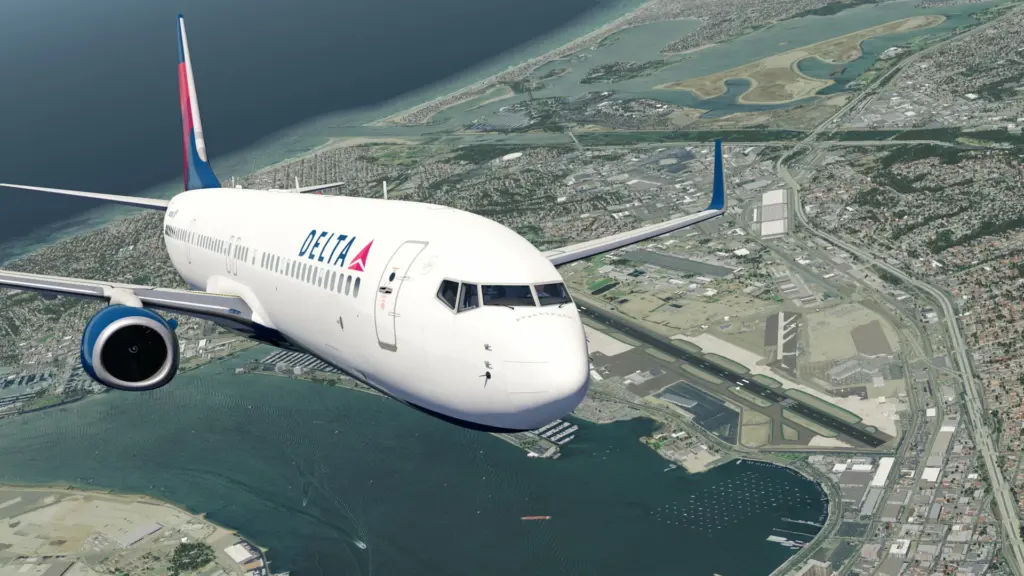
The simulator covers the full range of aircraft types. You can fly complex airliners, helicopters, business jets, fighter jets, warbirds, gliders, and aerobatic planes. Every aircraft comes with a fully animated and interactive 3D cockpit. The cockpit systems are custom-coded to match real aircraft behavior. This level of detail is rare in simulators available on macOS.
Aerofly FS 4 uses a custom graphics engine built specifically for performance. It supports 64-bit processing, multi-core CPU usage, and native Vulkan rendering. On Apple Silicon Macs like the M1, M2, M3, and M4, the simulator uses an improved renderer that takes full advantage of the chip. The result is smooth frame rates even at high graphic settings. Users on MacBook Air M1, Mac mini M4, and MacBook Pro M3 report excellent performance.
The scenery system is one of Aerofly’s strongest points. Worldwide elevation data and aerial base images are included in the base package. Major cities like San Francisco, Boston, and Chicago have highly detailed 3D buildings and landmarks. Iconic bridges, skyscrapers, and other structures are modeled throughout the world. For even higher detail, optional DLC packs add high-resolution aerial imagery for the USA and Europe.
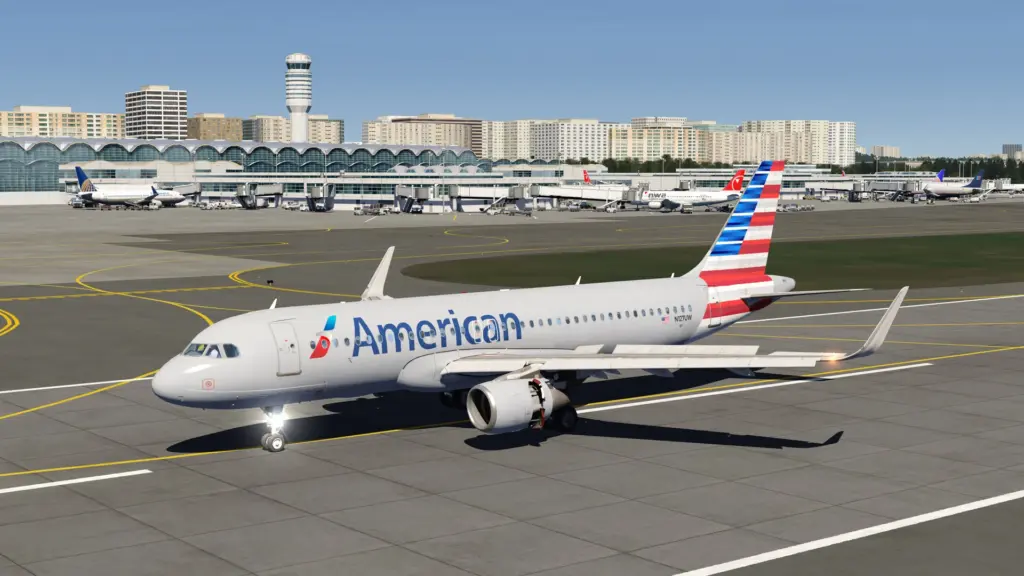
The aircraft systems go deep. Modern airliners come with authentic EFIS displays, full LNAV and VNAV autopilot, fly-by-wire systems, realistic FMS, and auto-land capability. Cold and dark startup procedures are available for pilots who want the full pre-flight experience. Caution and warning systems, GPWS callouts, and adjustable cockpit lighting all add to the realism.
One feature that stands out is the real-world airline route system. Aerofly FS 4 includes over 10,000 real commercial flight routes. You can pick any real-world airline flight and fly it yourself. The skies around major airports fill with live commercial traffic. This makes departure and arrival at busy hubs feel authentic. A flight log tracks your career progress. An achievement system gives you goals across every aircraft category.
Virtual reality support is included and works very well on Mac. Users who have compared Aerofly FS 4 to X-Plane 12 in VR consistently praise Aerofly for its smoother performance. The cockpit experience in VR is immersive. Frame rates hold up where X-Plane sometimes struggles.
There are honest limitations worth knowing. The weather system is basic. You can set wind, clouds, visibility, and turbulence manually. But there is no dynamic weather engine. Thunderstorms, changing conditions mid-flight, and live weather injection are not available. Water is rendered as a flat texture and does not move or reflect light realistically. Small regional airports found in X-Plane are often missing in Aerofly. And the keyboard-only control experience is poor. A USB joystick or Bluetooth gamepad is strongly recommended for any serious use.
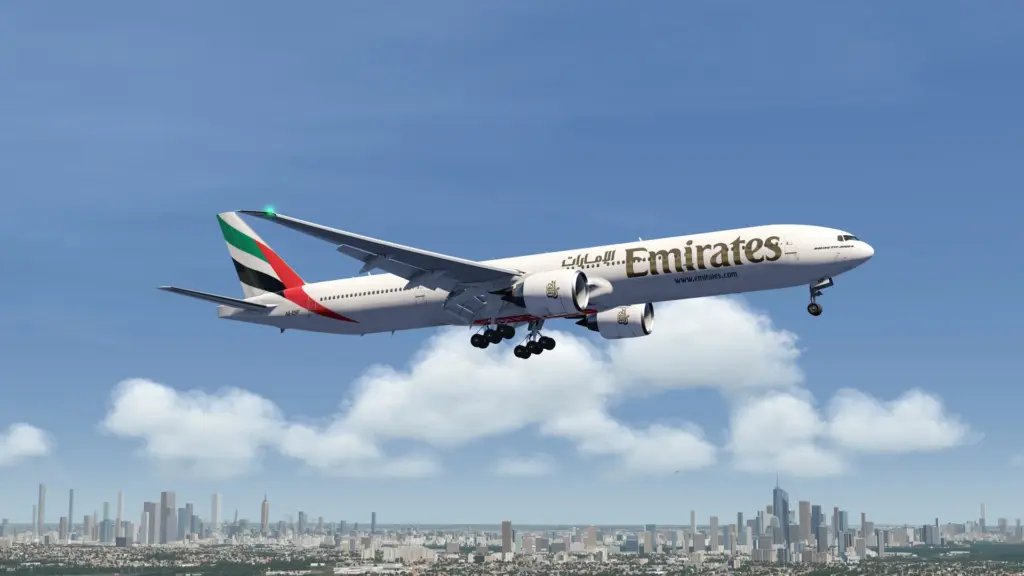
Overall, Aerofly FS 4 is the best native flight simulator for Mac right now. It delivers a visual and performance experience no other macOS-native simulator can match. For Mac users who want to fly without dealing with Windows compatibility layers, this is the right choice.
Features of Aerofly FS 4 for Mac
- 20 unique aircraft included with fully interactive 3D cockpits
- Over 10 additional aircraft available as optional in-app purchases
- Aircraft types include airliners, helicopters, business jets, fighter jets, warbirds, gliders, and aerobatic planes
- Photorealistic worldwide scenery with elevation data and aerial images
- Detailed 3D landmarks including skyscrapers, bridges, and iconic buildings worldwide
- High-resolution scenery DLC available for USA, Europe Part 1, and Europe Part 2
- Custom graphics engine with 64-bit support and multi-core processing
- Native Apple Silicon renderer optimized for M1, M2, M3, and M4 chips
- Full Virtual Reality support for an immersive cockpit experience
- Over 10,000 real-world airline flight routes selectable in-sim
- Live commercial air traffic at major airports
- Flight log and career progress tracking system
- Achievement system across all aircraft categories
- Mission Mode with guided flights and scenic locations
- Aircraft carrier takeoff and landing simulation
- Cold and dark cockpit startup procedures
- Authentic EFIS displays, LNAV/VNAV autopilot, FMS, and auto-land
- GPWS callouts, caution and warning systems, and fly-by-wire simulation
- Adjustable fuel and load settings
- Sloped and curved runway support
- Adjustable time of day, wind, clouds, visibility, turbulence, and thermal activity
- Real-time ground illumination from aircraft and apron flood lights
- Most USB joysticks and Bluetooth gamepads assigned automatically
- Support for PlayStation, Xbox, and MFi controllers
- Optional flight assistance features including auto nav-tuning and automatic lights
- Instant flight start in cruise, takeoff, landing, or cold and dark configuration
Technical Details
- Software Name: Aerofly FS 4 Flight Simulator
- Software File Name:dmg
- Version:8.4.1
- File Extension: DMG
- License Type: Premium
- Release Date: July 4, 2022
- Developer: IPACS (Ikarus AG)
System Requirements
- Operating System: macOS Mojave 10.14 or later (Steam); macOS 13.5 Ventura or later (Mac App Store)
- Processor: Intel 8th Gen 2.4GHz or faster (Intel Macs); Apple M1 or later (Apple Silicon)
- RAM: 8 GB minimum; 16 GB recommended
- Graphics: Dedicated NVIDIA or AMD GPU with 4 GB VRAM (Intel Macs); Apple M1 GPU or later (Apple Silicon)
- Storage: 25 GB base install; up to 100 GB or more with all DLC
- Internet: Required for worldwide scenery streaming
- Note: AMD Radeon RX 470 found in some older Mac models is not supported
What Are the Best Alternatives to Aerofly FS 4 for Mac?
Aerofly FS 4 is the top native flight simulator for Mac. But it may not suit every type of pilot. Here are the best alternatives for macOS users:
X-Plane 12: The most serious flight simulator available for Mac. It offers advanced weather simulation, a large add-on ecosystem, and better small airport coverage. Best for pilots who prioritize realism over visuals and want deep system modeling.
GeoFS: A free, browser-based flight simulator that runs on any Mac without installation. It uses real-world satellite imagery for global coverage. Good for casual use but lacks the cockpit depth and graphics quality of Aerofly FS 4.
FlightGear: A free, open-source simulator with a large community. It runs on macOS and has a wide aircraft selection. Performance and visual quality are lower than Aerofly FS 4, but it costs nothing and supports deep customization.
Microsoft Flight Simulator 2024: The most visually advanced simulator available, but it does not have a native macOS version. Mac users can access it only through cloud streaming via Xbox Game Pass. Requires a fast and stable internet connection.
Each option fits a different type of Mac pilot. Aerofly FS 4 remains the best choice for users who want a native, high-performance, visually rich flight simulation experience on macOS.
Aerofly FS 4 4.8.4.1 for Mac Free Download
Click the button below to download Aerofly FS 4 Flight Simulator for Mac latest full version setup free. It is a complete offline DMG installer for macOS with a single-click download link.
Torrent Link


