AllMacWorld MAC Apps One Click Away
Download Sip v5.1.1 for Mac free latest full version standalone setup. Sip 2026 for MacOS is a useful tool for designers who regularly pick colors and reuse them across different projects. It combines screen color picking, saved palettes, multiple color formats, and a contrast checker in one application.
Sip 2026 for Mac Review
Sip for Mac is a color picker designed for graphic designers, web designers, and developers. It helps you pick colors from your screen, save them for later, and copy their color codes into other applications. For example, if you find a color on a website that you want to use in your own design, Sip lets you select that color and copy its HEX or RGB code. You can then use it in your website, graphics project, or app design. You can also download ColorWell for MacOS.
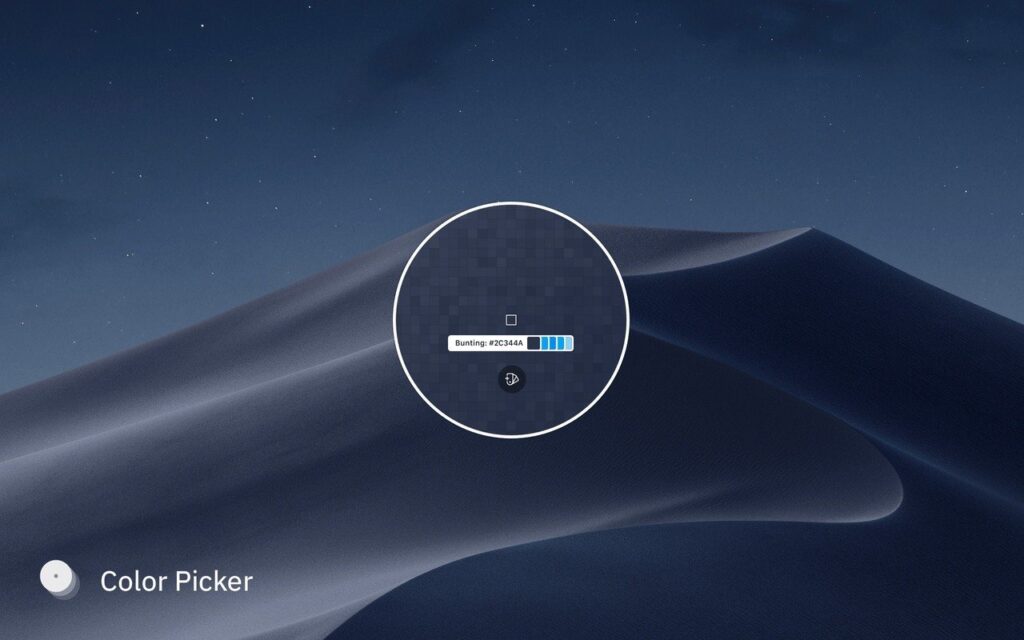
Developed by Olá Brothers, Sip offers more than basic color picking. You can create color palettes, save your favorite shades, check color contrast, and choose different color formats. These tools can help you save time when working on design projects. One of Sip’s main advantages is that it keeps your colors organized. Instead of writing down color codes or searching for the same shades again, you can save them in separate collections for different projects.
Sip also supports several color formats, including HEX, RGB, RGBA, and HSL. This is useful when working across different design and development tools. You can also create custom formats to match your needs.
The app includes a color history feature that stores the colors you have recently picked. You can return to these colors without selecting them again. For larger projects, you can create named palettes for brand colors, website backgrounds, buttons, text, and other design elements.
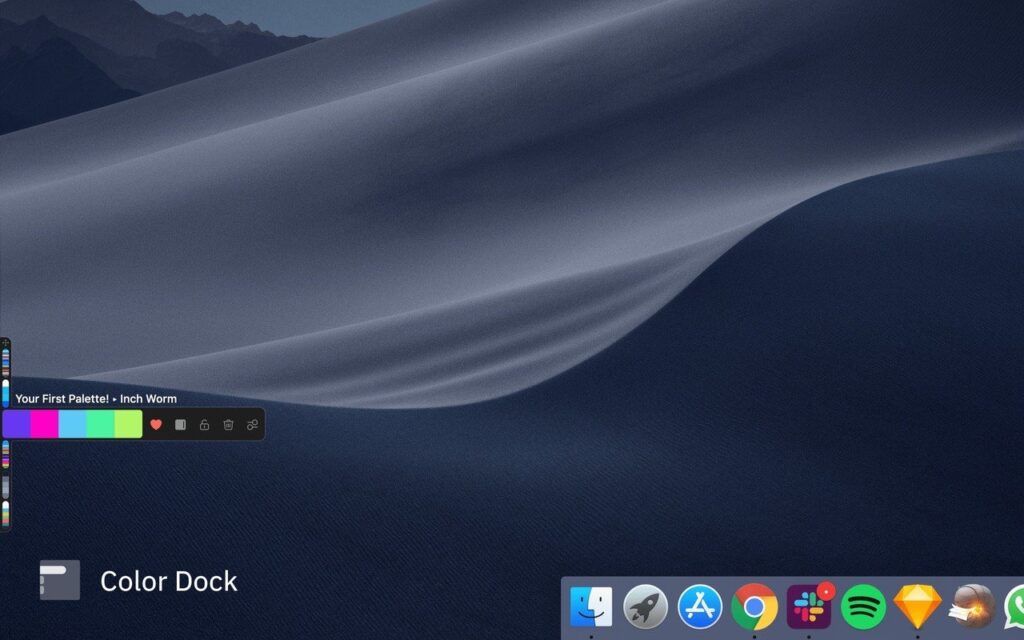
Sip also lets you export palettes in formats such as Adobe Swatch Exchange (ASE), Apple Color List (CLR), JSON, and PDF. This makes it easier to share colors or use them in compatible applications.
Another useful feature is Smart Profiles. It lets you assign color settings to individual applications. This can help when working with colors across different Mac apps, although the final appearance can still depend on your display and the settings used by each application.
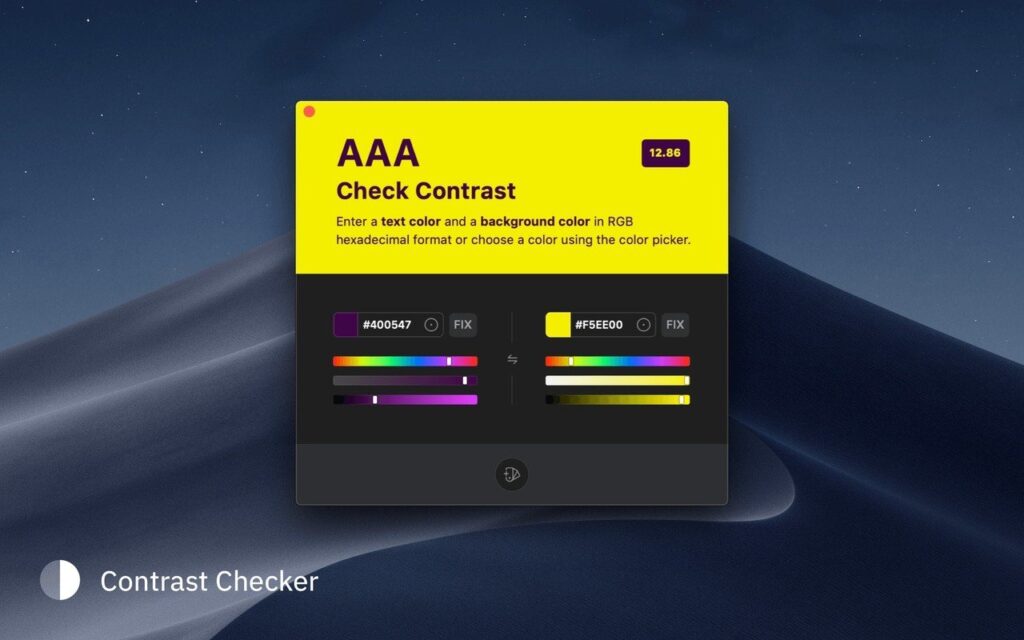
Sip also includes a contrast checker. This helps you check whether text is easy to read against a background. It is useful for website and app designers who want to make their designs easier to use. The app runs from the Mac menu bar, so you can open it without leaving your current application. Its Color Dock also keeps frequently used colors within easy reach.
All in all, Sip for Mac is a useful tool for designers who regularly pick colors and reuse them across different projects. It combines screen color picking, saved palettes, multiple color formats, and a contrast checker in one application. Its main drawback is the price. If you only need to copy a color code now and then, a free tool such as Pika or System Color Picker may be enough.
Features of Sip for Mac
- Pick colors directly from your screen.
- Use the magnified picker to select small details.
- Copy colors in HEX, RGB, RGBA, HSL, and other supported formats.
- Create custom color formats for your projects.
- Save recently picked colors in the color history.
- Create separate palettes for different projects.
- Add names and descriptions to color palettes.
- Export palettes in ASE, CLR, JSON, and PDF formats.
- Set color profiles for different applications.
- Check color contrast for website text and backgrounds.
- Send colors to supported design and development applications.
- Access color tools from the Mac menu bar.
- Keep frequently used colors in the Color Dock.
- Organize palettes by sorting, grouping, duplicating, or merging colors.
Technical Details:
- Software Name: Sip MacOS
- Software File Name: Sip v5.1.1.dmg
- Version: 5.1.1
- File Size: 72 MB
- File Extension: DMG
- License Type: Premium
- Developer: Rui Aureliano
System Requirements
- Operating System: macOS 10.10 or later
- Processor: Apple Silicon (M1, M2, M3, M4, M5) or Intel Core 64-bit
- RAM: 8 GB minimum, 16 GB recommended
- Storage: 200 MB free disk space
Best Alternatives to Sip for Mac
System Color Picker is a free Mac app that adds more features to Apple’s built-in color picker. It lets you sample colors from your screen, save palettes, view recent colors, and copy values in formats such as HEX, RGB, HSL, and CMYK.
Pika is a free, open-source color picker for Mac. It lets you select colors from your screen and copy them in different formats. It also supports keyboard shortcuts and automation, which can make repeated tasks faster.
ColorSlurp is a Mac color tool with screen sampling, color editing, and palette creation features. Its free version covers basic tasks, while the paid plan offers additional features such as palette exports and advanced color tools.
Digital Color Meter comes with macOS. It lets you check the color of a point on your screen without installing another application. It does not focus on advanced palette management like Sip, but it is useful if you only need to identify colors occasionally.
Sip v5.1.1 for Mac Free Download
Click the button below to download Sip 2026 for Mac latest full version setup free. It is a complete standalone installer for macOS with a single-click download link.