AllMacWorld MAC Apps One Click Away
Download Geekbench AI v1.8 for Mac free latest full version standalone setup. Geekbench AI 2026 for MacOS is a cross-platform AI benchmark that uses real-world machine learning tasks to evaluate performance when running AI workloads.
Geekbench AI 2026 for Mac Review
Geekbench AI is a benchmarking tool from Primate Labs. It lets Mac users test how well their computer handles AI and machine learning tasks. It is different from Geekbench 6. Geekbench 6 focuses mainly on general processor and graphics performance, while Geekbench AI focuses on tasks such as image recognition, object detection, text processing, and other AI workloads. You can also download Geekbench for MacOS.
Geekbench AI is useful when you want to compare the AI performance of different Macs. This can be helpful when choosing between Apple Silicon generations or checking how much performance you get from a newer Mac.
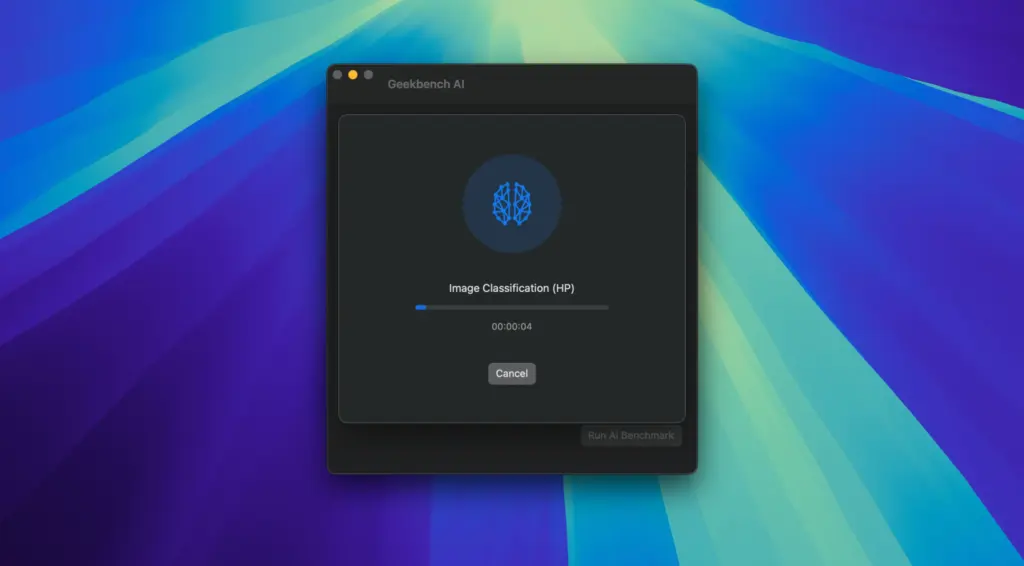
The benchmark runs several real AI workloads. These include image classification, image segmentation, object detection, face detection, depth estimation, image improvement, style transfer, text classification, and machine translation. The tests use different models for different tasks. For example, image classification uses MobileNetV1, while other tests use models such as DeepLabV3+, OpenPoseV2, RetinaFace, and BERT-Tiny.
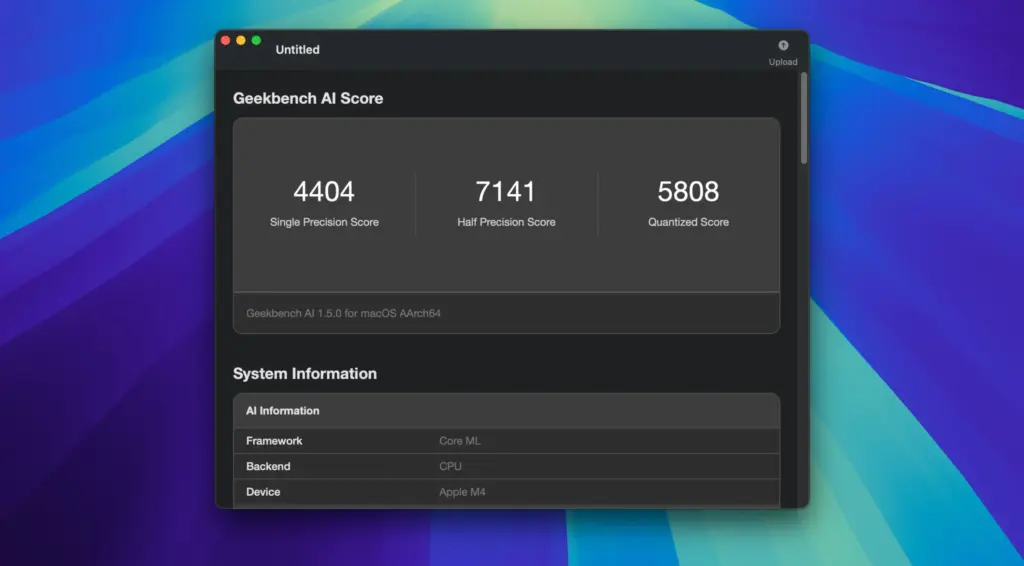
Geekbench AI reports three main scores. They are Single Precision, Half Precision, and Quantized. These represent different ways of running the same type of AI calculation. The benchmark also reports accuracy results. This is important because speed alone does not tell the whole story. A faster result is not very useful if the model produces poor results.
Geekbench AI can use the Neural Engine on supported Apple Silicon Macs through Core ML. This makes it useful for comparing how different Apple chips handle AI workloads. Results can also be uploaded to the Geekbench Browser. This allows you to compare your Mac with results submitted by other users.
One important point is that Geekbench AI does not measure every type of AI workload. It is not an LLM benchmark. A Geekbench AI score should not be treated as a direct measurement of how quickly apps such as Ollama, LM Studio, or llama.cpp will run large language models.
The result can also change depending on the Mac, macOS version, Geekbench AI version, and the technology used to run the test. For this reason, it is better to compare results from the same benchmark version and similar test conditions.
For example, Geekbench Browser results show that an M5 Max Mac using Core ML and the Neural Engine can produce much higher Half Precision and Quantized scores than its Single Precision score. The exact result depends on the workload and test setup.
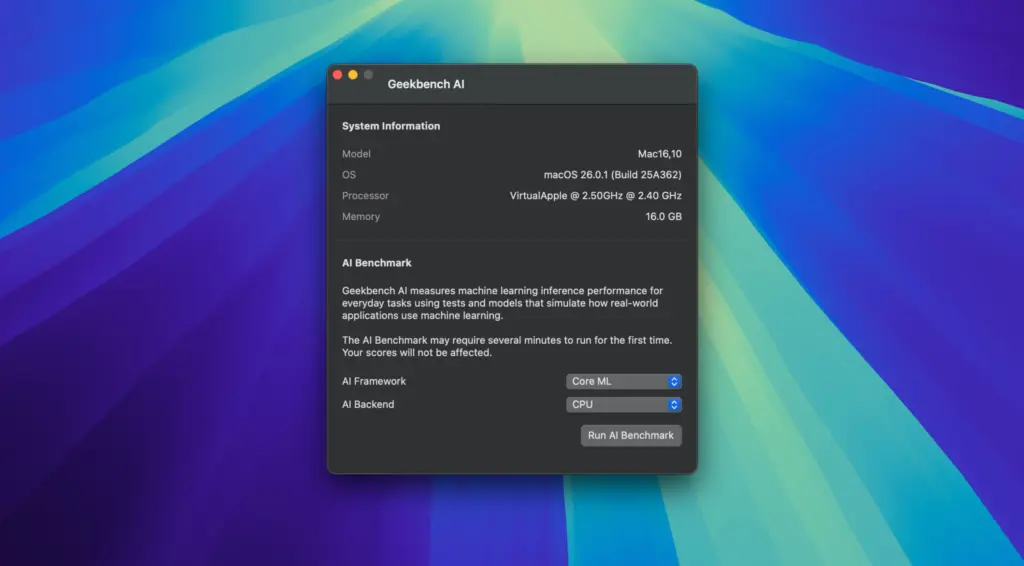
The benchmark also provides information about the hardware and software used during the test. This makes it easier to understand where a result came from. For Mac users, the main benefit is simple. You can run the same benchmark on different Macs and use the results as one part of your buying or upgrade decision.
However, Geekbench AI should not be treated as a measure of every AI application. It does not tell you exactly how a Mac will perform with every chatbot, local language model, image generator, or AI application. For the most useful comparison, check the Geekbench AI version, macOS version, Mac hardware, test type, and individual workload results. Looking at the complete result is more useful than comparing one score alone.
Features of Geekbench AI for Mac
- Tests AI and machine learning performance on Mac.
- Supports Apple Silicon and Intel Macs.
- Uses Core ML on macOS.
- Can test the CPU, GPU, and Neural Engine on supported Macs.
- Includes 10 different AI workloads.
- Tests image and text-related tasks.
- Provides Single Precision, Half Precision, and Quantized scores.
- Includes accuracy results for supported workloads.
- Shows detailed hardware and software information.
- Lets users upload results to the Geekbench Browser.
- Makes it easier to compare different Mac models.
- Helps show differences between Apple Silicon generations.
Technical Details:
- Software Name: Geekbench AI MacOS
- Software File Name: Geekbench AI v1.8.0.dmg
- Version: 1.8.0
- File Size: 457 MB
- File Extension: DMG
- License Type: Premium
- Developer: Primate Lab
System Requirements
- Operating System: macOS 10.10 or later
- Processor: Apple Silicon (M1, M2, M3, M4, M5) or Intel Core 64-bit
- RAM: 8 GB minimum, 16 GB recommended
- Storage: 2 GB free disk space
Best Alternatives to Geekbench AI for Mac
Geekbench 6 is one alternative if you want to test overall Mac performance instead of focusing on AI tasks. It measures processor and graphics performance and is useful for general Mac comparisons.
MLPerf is another option for more detailed AI performance testing. It is widely used for testing AI systems, but its tests and setup are more suited to technical users and organizations.
Real-world application tests are also useful. For example, you can compare how long different Macs take to complete the same video export, photo processing job, AI image task, or other workload you actually use.
Geekbench AI 1.8.0 for Mac Free Download
Click the button below to download Geekbench AI for Mac latest full version setup free. It is a complete standalone installer for macOS with a single-click download link.