AllMacWorld MAC Apps One Click Away
Download UPDF 2 v2.5.6 for Mac free latest full version standalone setup. UPDF 2 2026 for MacOS is a comprehensive AI-powered PDF editing software that can be used for AI chat with PDFs, editing, annotating, converting PDFs, and more.
UPDF 2 2026 for Mac Review
UPDF 2 for Mac is a PDF editor designed for users who need more than the basic tools available in Apple Preview. It lets you read, edit, organize, convert, annotate, and protect PDF files from one application. Preview is enough for simple tasks such as opening a PDF, adding notes, highlighting text, or signing a document. UPDF is aimed at people who regularly need to make changes to PDF files. You can also download Antinote for Mac
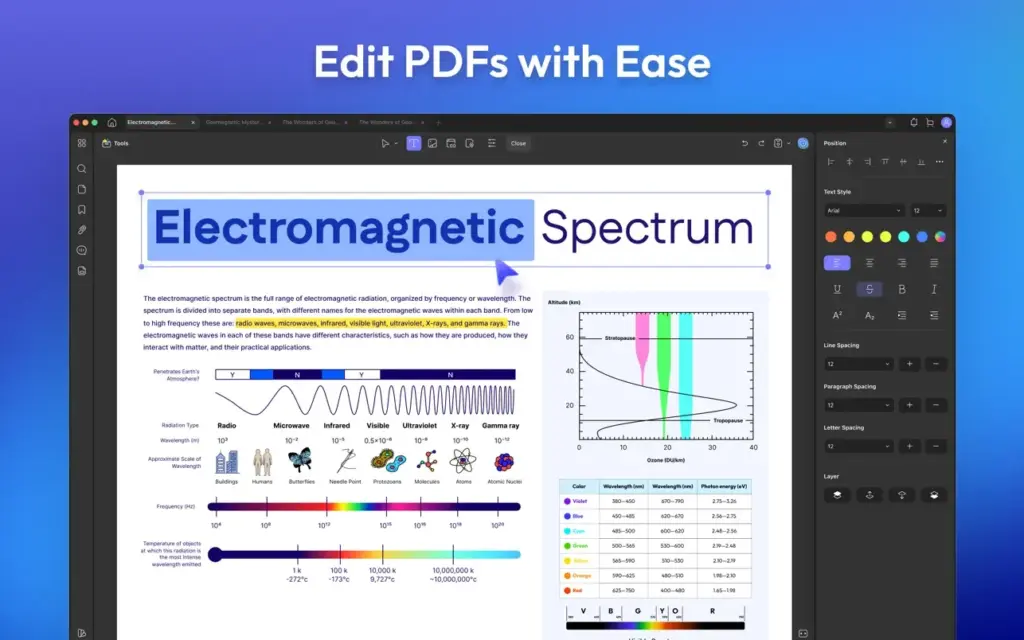
One of its main advantages is direct PDF editing. You can change existing text, edit images, and make corrections without going back to the original Word or other source file. This can be useful when you receive a finished PDF and only need to make a few changes.
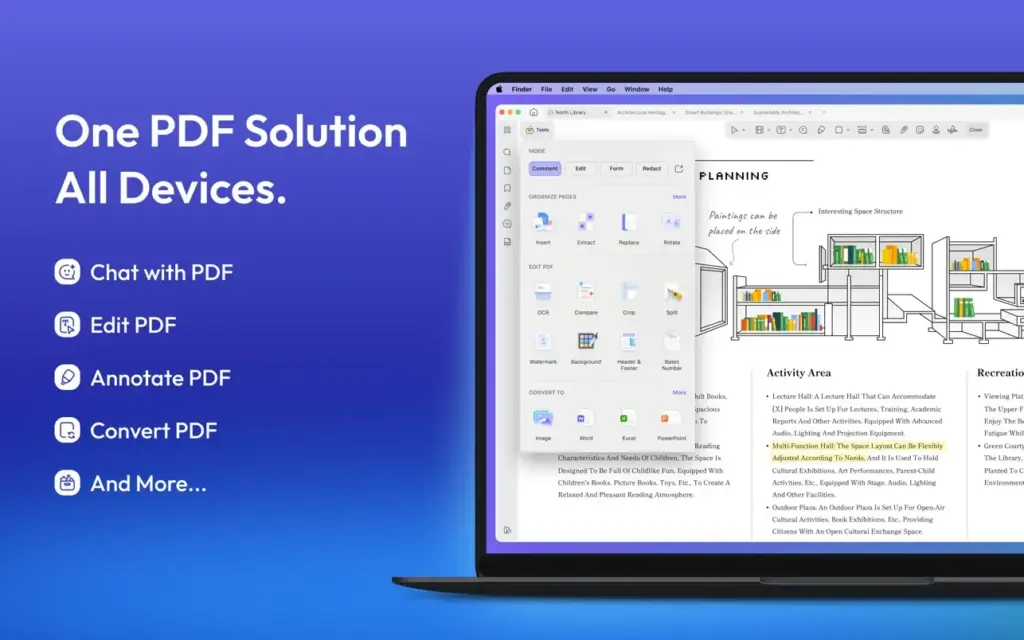
UPDF also includes tools for managing PDF pages. You can rearrange pages, remove unwanted pages, extract selected pages, rotate pages, and combine multiple PDF files. These tools are useful when working with reports, contracts, invoices, research papers, and other long documents. The annotation tools cover the common requirements for reviewing documents. You can highlight text, underline content, add comments, draw on pages, and use other marking tools. This makes UPDF useful for students, teachers, office workers, and anyone who reviews documents.
Another useful feature is PDF conversion. UPDF can convert PDF files into formats such as Word, Excel, PowerPoint, images, and other supported formats. This is helpful when the information inside a PDF needs to be used in another application.
The quality of a conversion depends on the original PDF. A simple document with normal text will usually be easier to convert than a file containing complicated tables, unusual fonts, multiple columns, or scanned pages. It is always worth checking the converted file before using it for important work.
UPDF also supports OCR. This is useful for scanned PDFs where the words are stored as images instead of normal text. OCR can make scanned documents searchable and can help turn them into editable documents. OCR should not be treated as perfect. Poor scans, unusual fonts, blurry pages, and complicated layouts can lead to mistakes. Important documents should always be checked after OCR processing.
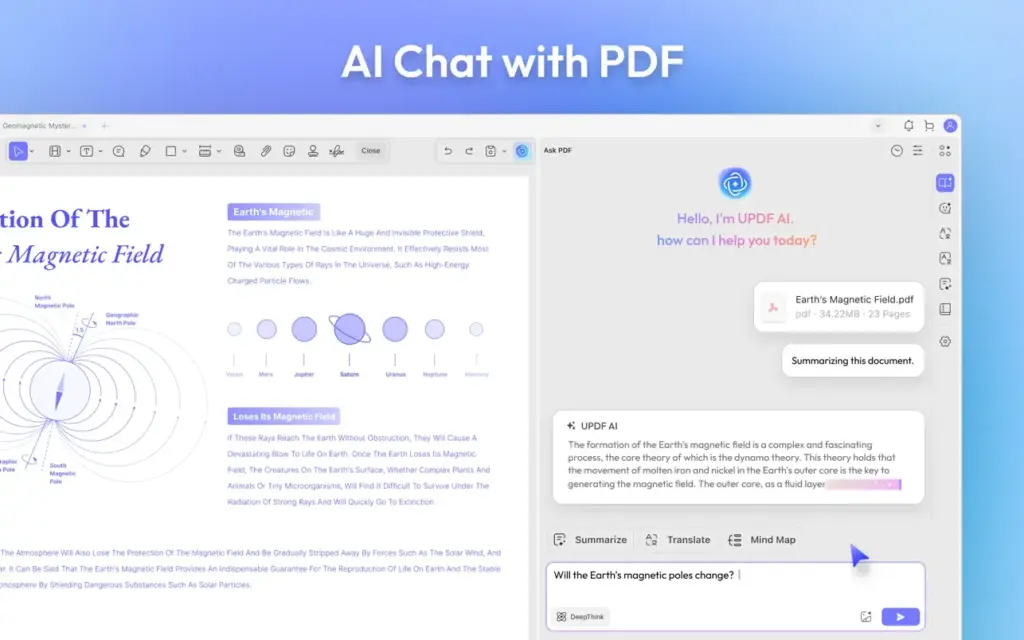
UPDF also includes tools for protecting PDF files. Depending on the version and license, users can work with passwords, permissions, signatures, watermarks, and other document controls. The application is also available for users who work with long PDF documents and want to search, summarize, or ask questions about their files using its AI features. These tools can save time when dealing with lengthy documents, but important information should still be checked against the original PDF.
One of the biggest advantages of UPDF is that these different PDF tasks are available in one application. You don’t have to use Preview for reading, another application for conversion, and a separate tool for OCR. However, UPDF isn’t necessary for everyone.
If you only open PDFs, highlight text, add a signature, or make simple notes, Preview may already be enough. Paying for a dedicated PDF editor makes more sense when you regularly edit PDF content or work with larger document collections.
UPDF is also not a magic solution for complicated PDFs. Documents with unusual layouts, complex tables, special fonts, or scanned pages can still be difficult to edit. Changes should always be checked before sending the final file. For regular PDF users, however, UPDF 2 for Mac provides a convenient set of tools without requiring several separate applications.
Features of UPDF 2 for Mac
- Edit PDF Text: Change existing text inside supported PDF documents.
- Edit PDF Images: Replace, move, resize, or work with images contained in PDFs.
- PDF Annotation: Highlight, underline, strike through, comment on, and mark PDF content.
- Page Management: Rearrange, rotate, delete, extract, insert, and organize PDF pages.
- Merge PDFs: Combine multiple PDF files into one document.
- Split PDFs: Separate selected pages or sections into new PDF files.
- PDF Conversion: Convert PDFs into supported formats such as Word, Excel, PowerPoint, and images.
- OCR: Recognize text in scanned PDF documents and make it searchable or editable where supported.
- PDF Forms: Work with supported interactive PDF forms.
- Digital Signatures: Add signatures to documents without printing them first.
- Password Protection: Protect PDF files with document security options.
- Watermarks: Add watermarks to PDF documents.
- PDF Compression: Reduce PDF file size when smaller documents are needed.
- AI PDF Tools: Work with supported AI features for tasks such as summarizing, explaining, translating, and asking questions about PDF content.
- Search: Find specific words or information inside PDF documents.
Technical Details:
- Software Name: UPDF 2 MacOS
- Software File Name: UPDF 2 v2.5.6.dmg
- Version: 2.5.6
- File Size: 90 MB
- File Extension: DMG
- License Type: Premium
- Developer: Superace Software Technology
System Requirements
- Operating System: macOS 10.10 or later
- Processor: Apple Silicon (M1, M2, M3, M4, M5) or Intel Core 64-bit
- RAM: 8 GB minimum, 16 GB recommended
- Storage: 4 GB free disk space
Best Alternatives to UPDF 2 for Mac
There are several alternatives to consider, depending on how you make documents.
Adobe Acrobat: Adobe Acrobat is one of the most established PDF applications. It offers extensive PDF editing, conversion, signing, document sharing, and business features. Acrobat is a better choice for users who already depend on Adobe products or need advanced business and document workflows. For someone who simply wants to edit PDFs on a Mac, UPDF may be a simpler alternative.
PDF Expert: PDF Expert is another popular option for Mac users. It focuses strongly on PDF reading, editing, annotation, forms, and document management. It is worth comparing PDF Expert with UPDF if you mainly use a Mac and want a polished desktop PDF application. Your choice should depend on the features you use most and the current pricing of each product.
Apple Preview: Preview comes with macOS and doesn’t require an additional purchase. It can open PDFs, highlight text, add notes, sign documents, rotate pages, and perform several basic PDF tasks. For occasional PDF work, Preview remains a very good option. It becomes less suitable when you need extensive PDF editing, conversion, OCR, or more advanced document tools.
Foxit PDF Editor: Foxit PDF Editor is another alternative for users who need advanced PDF editing and document management. It supports editing, conversion, annotation, security features, and other PDF tools.
It may be a better fit for businesses or users who need a wider range of document features. UPDF can be considered when you want a more focused PDF application with a straightforward workflow.
UPDF 2 v2.5.6 for Mac Free Download
Click the button below to download UPDF 2 2026 for Mac latest full version setup free. It is a complete standalone installer for macOS with a single-click download link.