AllMacWorld MAC Apps One Click Away
Download Haptyk 2.0.1 for Mac free latest full version standalone setup. Haptyk 2026 for MacOS is a unique app that transforms your MacBook’s built-in keyboard into a mechanical one with tactile-sensitive sounds: the harder you press a key, the louder and richer the sound, thanks to the hidden Apple Silicon accelerometer.
Haptyk 2026 for Mac Review
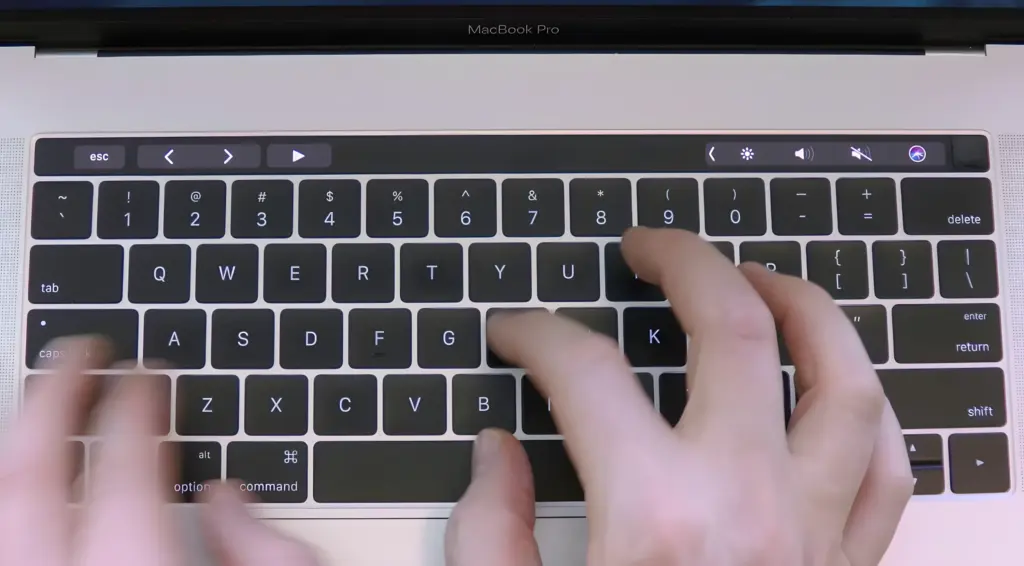
Haptyk for Mac is a small app that makes your MacBook sound like a mechanical keyboard while you type. It plays different keyboard sounds based on how softly or hard you press the keys. This makes typing more fun and natural. Many MacBook users like Apple’s keyboards because they are slim and quiet. However, some people miss the sound and feel of a mechanical keyboard. Haptyk helps solve this problem without needing to buy an extra keyboard. You can also download Mercury Weather for MacOS
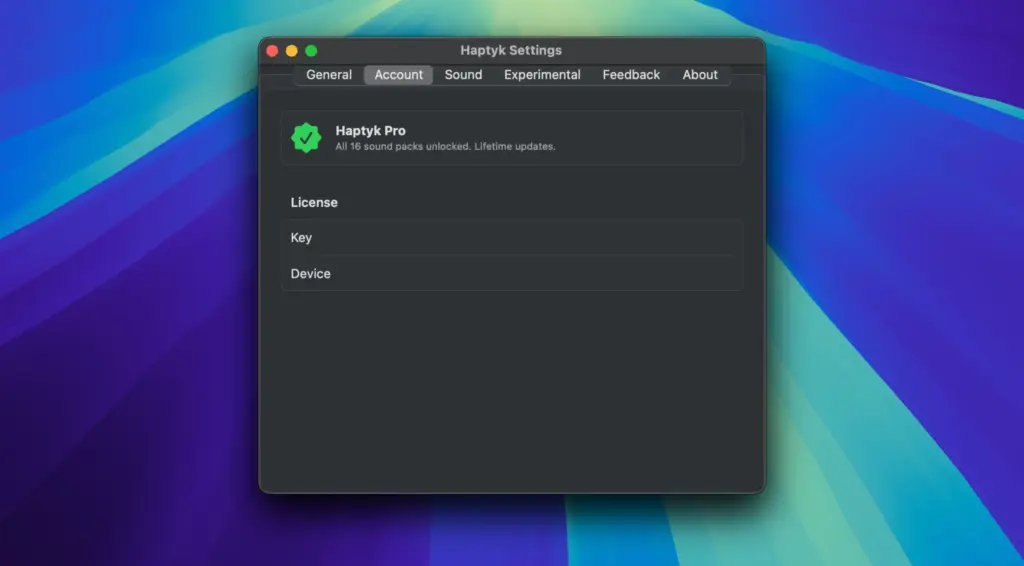
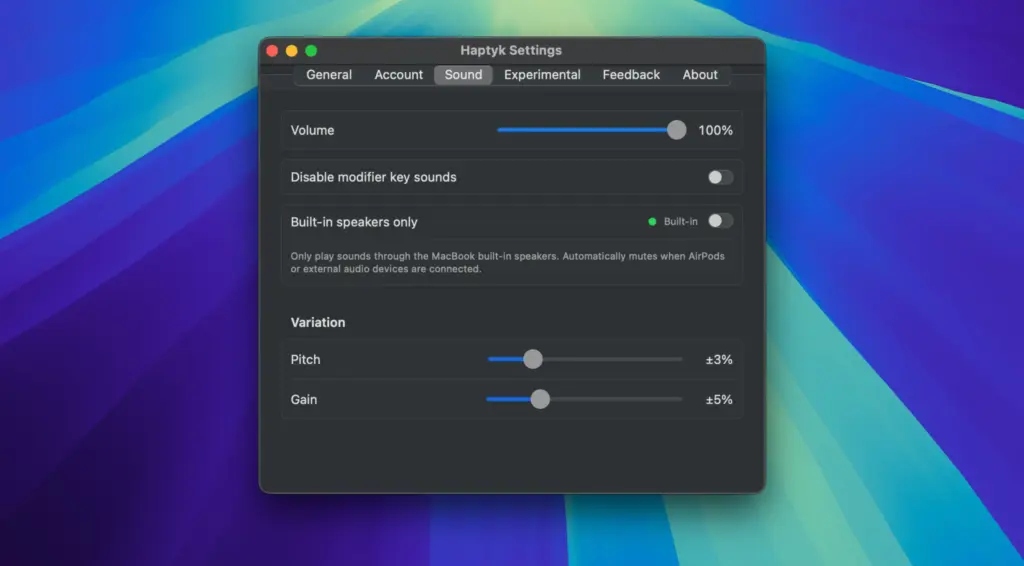
The app is very easy to use. After installing it, you can open it from the menu bar. From there, you can choose different keyboard sounds, change the volume, and adjust how the sounds react while you type. Everything is simple to understand, even for new users. One of the best things about Haptyk is its natural keyboard sounds. The sound changes depending on how you type. Soft typing creates quiet sounds, while faster or stronger typing creates louder sounds. This makes typing feel more real and enjoyable.
Haptyk also runs smoothly in the background. It opens quickly and does not slow down your Mac during normal use. You can keep it running while writing, coding, browsing, or working without any problems. The app also gives you several ways to make the typing sounds match your style. You can choose from different sound packs, change the typing response, and adjust the sound level. This helps you create a typing experience that feels comfortable.
Another good thing is that the app uses very little power. Most users can keep it running all day without noticing any major effect on their Mac’s speed or battery. The developer also adds updates to improve the app and bring new features.
Keep in mind that Haptyk works with supported Apple Silicon Macs. If you have an older Intel Mac, some features may not be available. Overall, Haptyk for Mac is a great choice for people who want a better typing experience. It is simple, fast, easy to use, and makes typing much more enjoyable without adding extra hardware.
Features of Haptyk for Mac
- Makes your Mac sound like a mechanical keyboard.
- Plays different sounds based on your typing.
- Several keyboard sound options.
- Easy volume control.
- Change typing response to match your style.
- Simple menu bar controls.
- Quick and easy setup.
- Clean and easy-to-use design.
- Runs smoothly in the background.
- Uses very little system power.
- Starts quickly.
- Works in most Mac apps.
- Easy to turn on or off.
- Gets regular updates.
- Good for daily use.
- Helps make typing more enjoyable.
Technical Details:
- Software Name: Haptyk for Mac
- Software File Name: Haptyk 2.0.1.dmg
- Version: 2.0.1
- File Size: 18 MB
- File Extension: DMG
- License Type: Premium
- Developer: Haptyk
System Requirements
- Operating System: macOS 10.13 High Sierra or later
- Processor: Apple Silicon (M1, M2, M3, M4, M5) or Intel Core 64-bit
- RAM: 8 GB minimum, 16 GB recommended
- Storage: 500 MB free disk space
Best Alternatives to Haptyk for Mac
If Haptyk is not the right choice for you, there are other apps that offer similar keyboard sounds.
Klack: Klack is a simple app that adds keyboard sounds while you type. It is easy to set up and works well for everyday use.
Thock: Thock gives your Mac different keyboard sound options. It is a good choice for users who want a simple typing sound app.
Mechvibes: Mechvibes is a popular app that lets you choose from many keyboard sound packs. It is a good option if you like trying different typing sounds.
KeyClicker: KeyClicker lets you add keyboard sounds and adjust them to your liking. It is easy to use and offers several sound choices.
Bucklespring: Bucklespring copies the sound of old mechanical keyboards. It is a good option if you enjoy classic keyboard sounds.
Haptyk is still one of the best keyboard sound apps for Mac. It is easy to use, works smoothly, and makes typing more enjoyable. If you want more sound choices, you can also try Klack, Thock, Mechvibes, KeyClicker, or Bucklespring.
Haptyk 2.0.1 for Mac Free Download
Click the button below to download Haptyk for Mac latest full version setup free. It is a complete standalone installer for macOS with a single-click download link.