AllMacWorld MAC Apps One Click Away
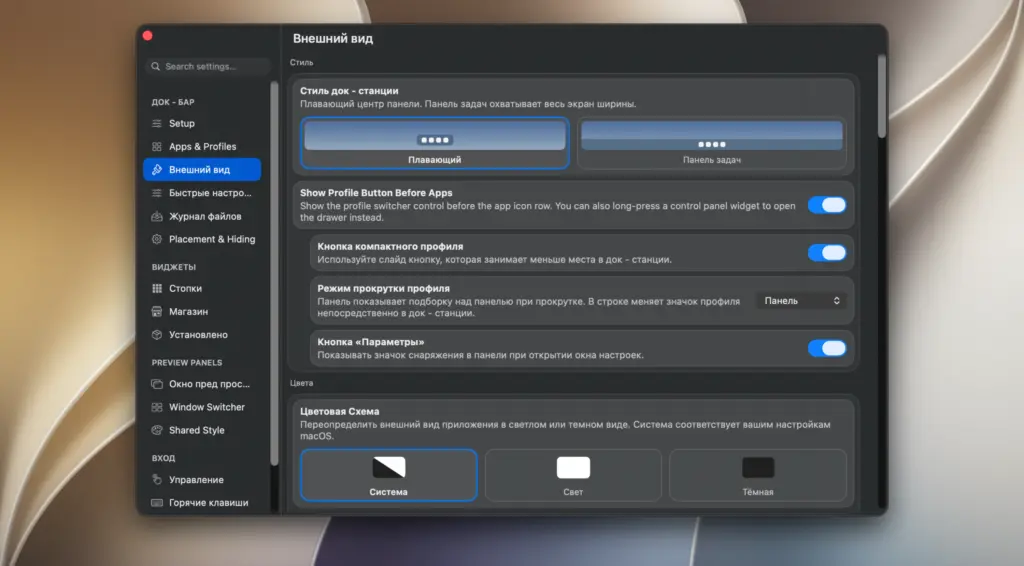
Download DockDoor Pro for Mac free latest full version standalone setup. DockDoor Pro 2026 for macOS is a native dock replacement built with live window previews, dock profiles, media controls, and full customization. It is built for Mac power users, multi-monitor users, and anyone who wants more control over their dock and daily workflow.
DockDoor Pro for Mac Review
The default macOS dock is simple, but it is also limited. It does not show live window previews. It does not let you build different setups for different tasks. If you work across many apps and windows, this can slow you down. You can also download SideBar for Mac
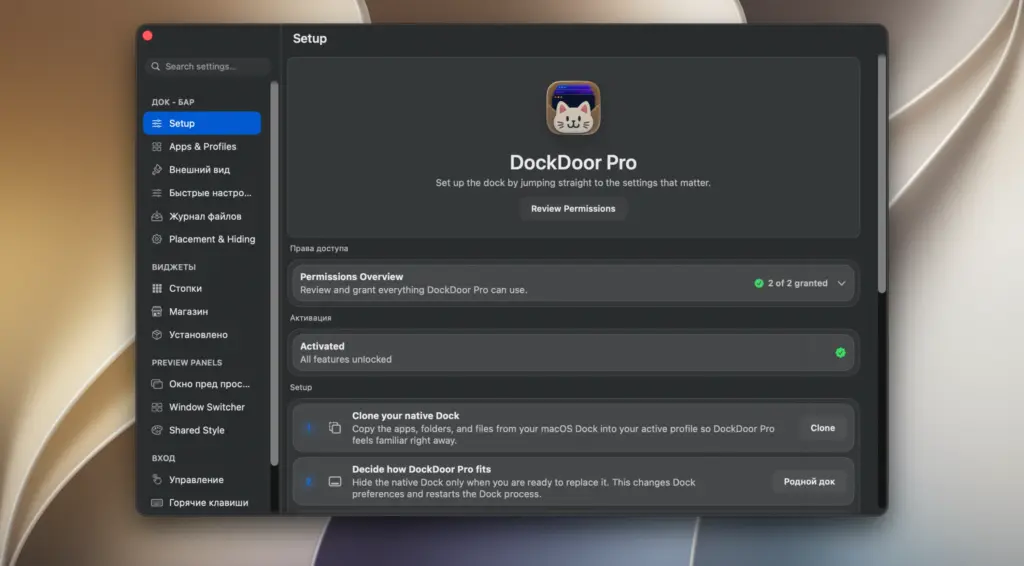
DockDoor Pro fixes this problem. It replaces the whole system dock with a new one built for real work. You get live thumbnails when you hover an app icon. You can close, minimize, or tile a window right from that preview. You do not need to open the app first. This alone saves a lot of clicks every day.
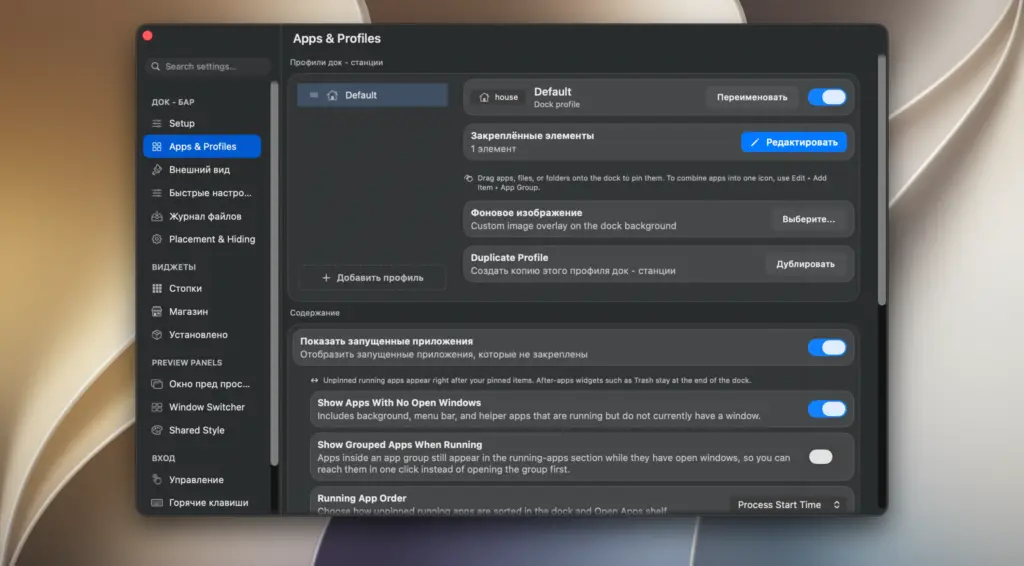
Power users will also like the dock profiles. You can build one dock for writing, another for editing, and another for browsing. DockDoor Pro can switch between them on its own when you open a linked app. If you use more than one screen, each display can also have its own dock. This is a common pain point for multi-monitor setups, and DockDoor Pro solves it in a simple way.
The app is still in beta. The developer is open about this and suggests you avoid it on a work-critical Mac for now. Most users report a smooth experience after a short setup.
Key Features of DockDoor Pro for Mac
- Live window previews – Hover any dock icon to see real thumbnails of every open window.
- Window actions from previews – Close, minimize, tile, or quit a window without opening the app.
- Dock profiles – Build separate docks for different tasks and switch between them fast.
- AppSense – Profiles switch on their own when a linked app comes into focus.
- Per-display docks – Give each monitor its own dock, position, and visibility setting.
- Magnification – Smooth icon zoom that matches your screen’s refresh rate.
- Widgets and media controls – Add clock, weather, and battery widgets, plus a Now Playing bar with lyrics.
- File tray – Scroll up on the dock to drop files, pin folders, or send items by AirDrop.
- Custom icons – Replace any dock icon with your own image.
- Notification badges – See a red dot on an app icon when it has unread alerts.
- Backup and restore – Save your full setup and load it again on another Mac.
- Alt-Tab style switcher – Move between individual windows, not just apps.
Technical Details:
- Software Name: DockDoor Pro
- Software File Name: DockDoor Pro 0.0.143.dmg
- Version: 0.0.143
- File Size: 17 MB
- File Extension: DMG
- License Type: Premium
- Developer: Ethan Bills
System Requirements:
- Operating System: macOS 11 Big Sur or later
- Processor: Apple Silicon (M1, M2, M3, M4) or Intel 64-bit
- RAM: 4 GB minimum, 8 GB recommended
- Storage: 100 MB free disk space
Best Alternatives to DockDoor Pro for Mac
If DockDoor Pro is not the right fit, here are other dock and window tools worth checking:
- DockDoor (Free) – The free, open-source version. It adds hover previews and an Alt-Tab switcher on top of your existing dock, without replacing it.
- Contexts – A window switcher that lists all open windows in a sidebar, sorted by app.
- Swish – A gesture-based tool for moving and resizing windows using trackpad swipes.
- Click2Minimize – A small utility that lets you minimize a window by clicking its dock icon again.
- Sidebar – Turns the Mac dock into a vertical app launcher, good for users switching from Windows.
DockDoor Pro for Mac Free Download
Click the button below to download Native Instruments DockDoor Pro for Mac latest full version setup free. It is a complete standalone installer for macOS with a single-click download link.