AllMacWorld MAC Apps One Click Away
Download Gitfox 4.6.3 for Mac free latest full version program complete standalone DMG setup free. Gitfox 2026 for macOS is a native Git client built for developers who want clean diffs, fast branch control, and no Electron slowdown. It connects to GitHub, GitLab, Bitbucket, and Gitea, so you can manage your repositories without touching the terminal every time.
Gitfox for Mac Review
Most Mac users know this problem. You open a Git app and it feels slow. It uses too much memory. It looks the same on every computer because it was not built for Mac in the first place. Gitfox is different. It was built only for Mac, so it opens fast and feels smooth. It does not slow down your computer or heat it up just to show your project history. If you have ever closed a Git app out of frustration because it felt heavy, this app fixes that problem. You can also download ForkLift for Mac
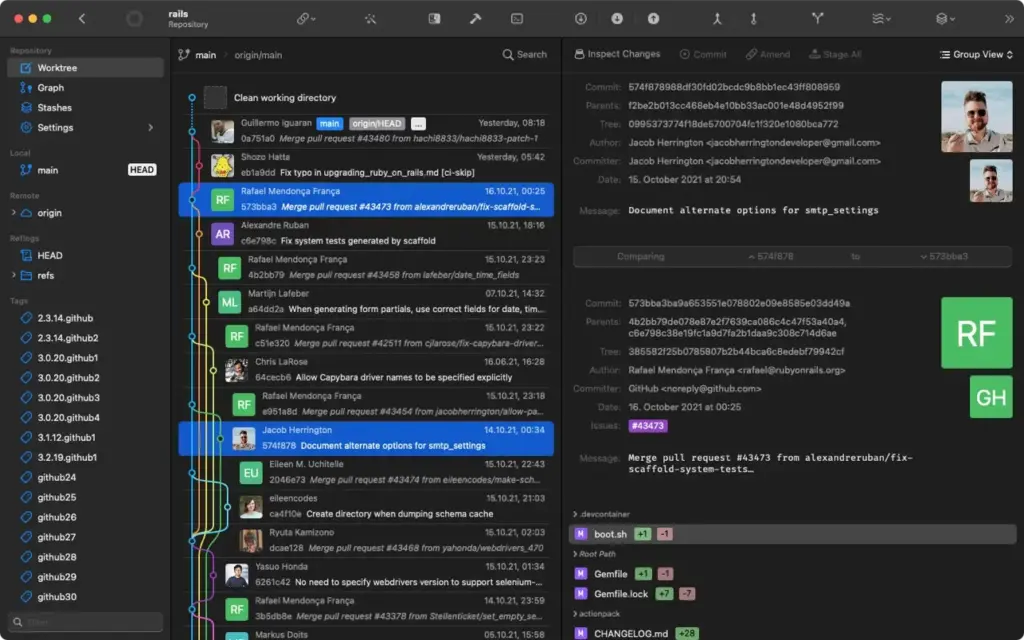
Gitfox keeps things simple. It does not change how Git works or hide it behind confusing new names. If you already know the basics of Git, you will feel comfortable right away. Branches, saved changes, and file history all work the way you expect. Gitfox just makes them easier to see and use.
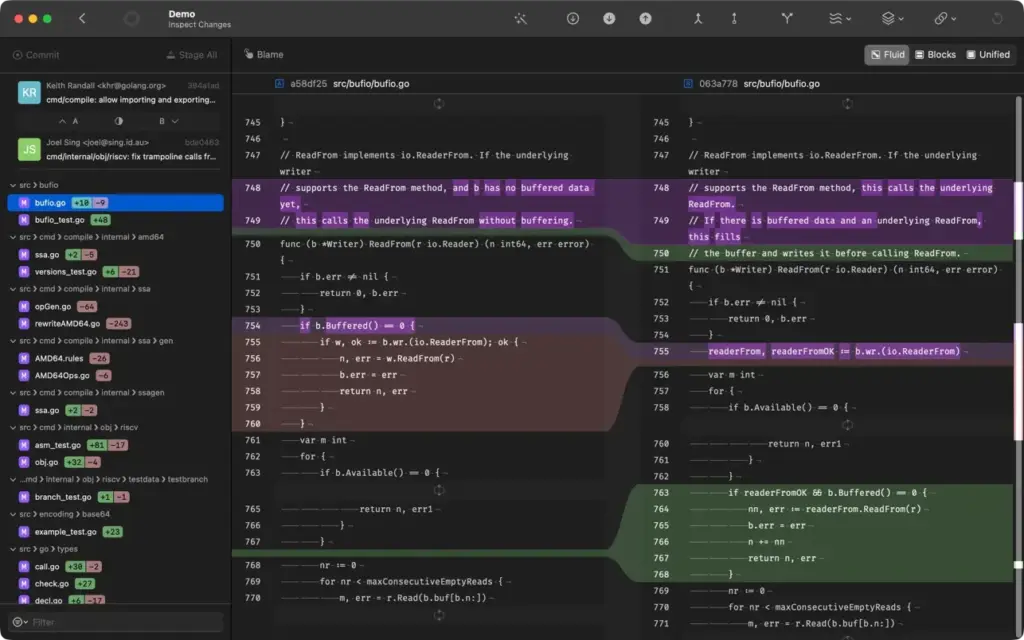
One strong point of Gitfox is how it shows file changes. You can view changes side by side or in one column, based on what is easier for you to read. Small changes like extra spaces are marked clearly, so you do not waste time guessing what changed in a file. Image files also get their own compare view, which helps designers and web developers keep track of visual changes too.
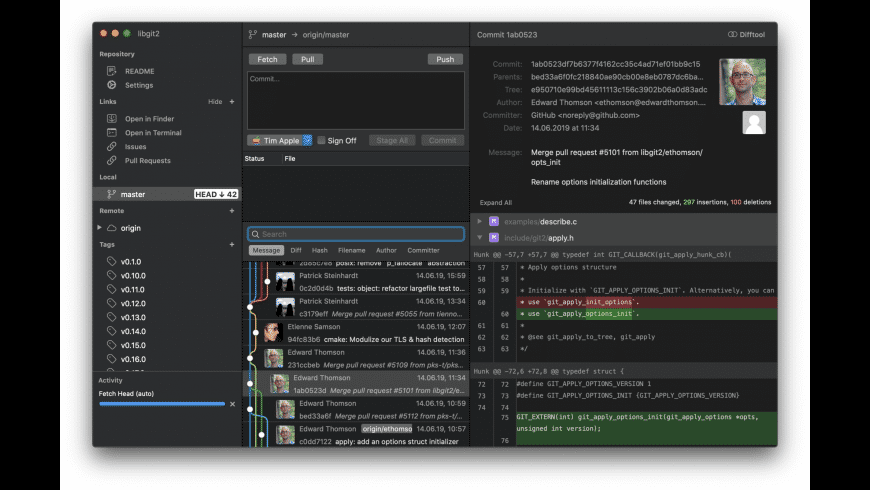
Fixing conflicts between two versions of a file is often the hardest part of using Git. Gitfox makes this easier. You simply pick which version to keep, even for a small part of a file. You do not need a separate tool for this, though Gitfox also lets you use outside tools like Kaleidoscope or Beyond Compare if you already use them.
If your team follows a set process for releases and updates, Gitfox supports that too. You can manage new features, releases, and quick fixes without remembering long commands. You can also switch between different user profiles, which helps if you use one Mac for both work and personal projects.
A newer feature lets Gitfox write commit messages for you based on the changes you made. This saves time on small updates where writing a clear note feels like extra work. Gitfox can also sign your commits using a security key, so your project history stays trusted and verified.
Features of Gitfox for Mac
- Built only for Mac, so it runs fast and smooth
- Works with GitHub, GitLab, GitLab Self-Managed, Bitbucket, and Gitea
- Clear file comparison views, side by side or in one column
- Separate view for comparing image files
- Easy conflict fixing, even for small parts of a file
- Built-in support for team release workflows
- Tools to edit, combine, or remove past commits
- Choose exactly which lines or parts of a file to save
- Automatic commit messages based on your changes
- Secure commit signing to keep your history trusted
- Support for projects with very large files
- Switch between multiple user profiles easily
- See who changed each line in a file and when
- Step-by-step tool to find which change caused a bug
- Recover lost changes from your project history
- Open Gitfox directly from the terminal
Technical Details:
- Software Name: Gitfox for Mac
- Software File Name: Gitfox 4.6.3.dmg
- Version: 4.6.3
- File Size: 36 MB
- File Extension: DMG
- License Type: Premium
- Developer: Erik Aigner
System Requirements
- Operating System: macOS 10.13 High Sierra or later
- Processor: Apple Silicon (M1, M2, M3, M4, M5) or Intel Core 64-bit
- RAM: 8 GB minimum, 16 GB recommended
- Storage: 500 MB free disk space
What Are the Best Alternatives to Gitfox for Mac?
Gitfox is a great choice for Mac users who want a fast, simple Git app, but it is not the only option. Here are a few worth comparing.
Tower: A well known Git app with a clean look similar to Gitfox. It also works on other computers, but it runs slower on older Macs.
Sourcetree: A free Git app made by Atlassian. It handles basic tasks well, but its design feels older and less polished than Gitfox.
GitKraken: A popular Git app with a visual project map. It works on Windows and Linux too, but it uses more memory than Gitfox since it was not built only for Mac.
Fork: A light and simple Git app for Mac and Windows. It is fast, but it has fewer advanced tools, like built-in support for team release workflows.
Each of these apps can handle everyday Git tasks, but Gitfox stands out for running smoothly on Mac, using less memory, and offering modern tools like automatic commit messages and support for large files.
Download Gitfox Latest Version Free
Click on the below button to download Gitfox for Mac free setup. It is a complete standalone setup of Gitfox for macOS with a single click download link