AllMacWorld MAC Apps One Click Away
Download EnSili Colori 1.9.0 for Mac free latest full version. Colori 2026 for Mac is a color palette generator built by enSili.co for designers, developers, and anyone who works with color on a Mac.
EnSili Colori for Mac Review
EnSili Colori for Mac is a color palette generator built for designers and developers who need good colors fast. Most color tools live in the browser. Colori lives on your Mac. It is a native app, so it opens fast and runs smooth without eating up memory in the background.
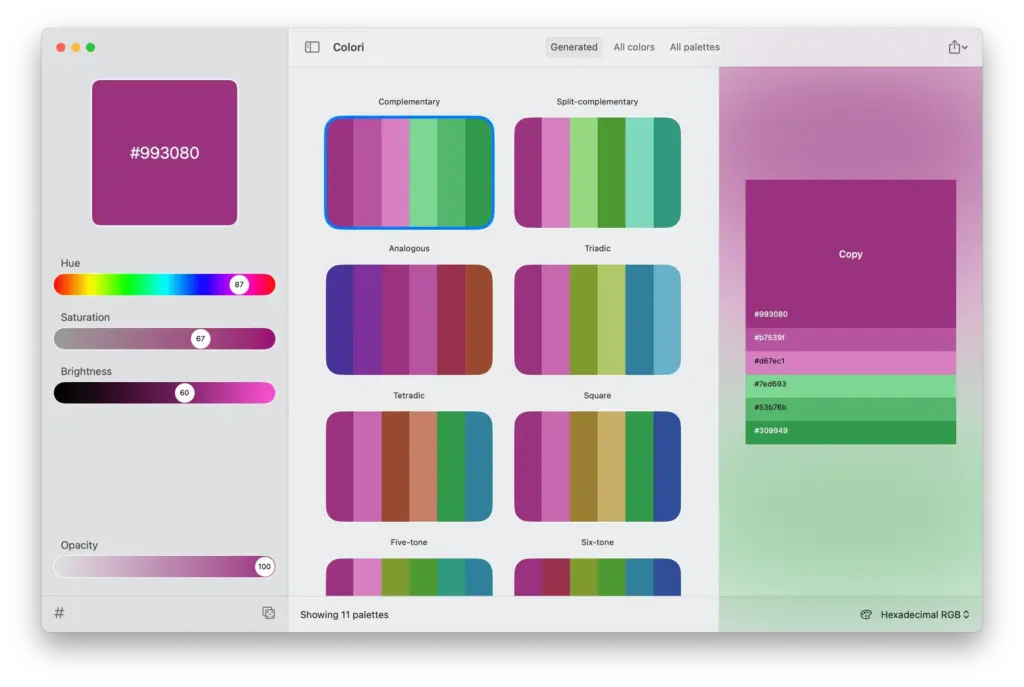
The idea behind Colori is simple. You pick one starting color. The app takes that color and builds full palettes around it. You get harmonies, shades, and matching tones in seconds. This saves the guesswork that comes with picking colors by hand.
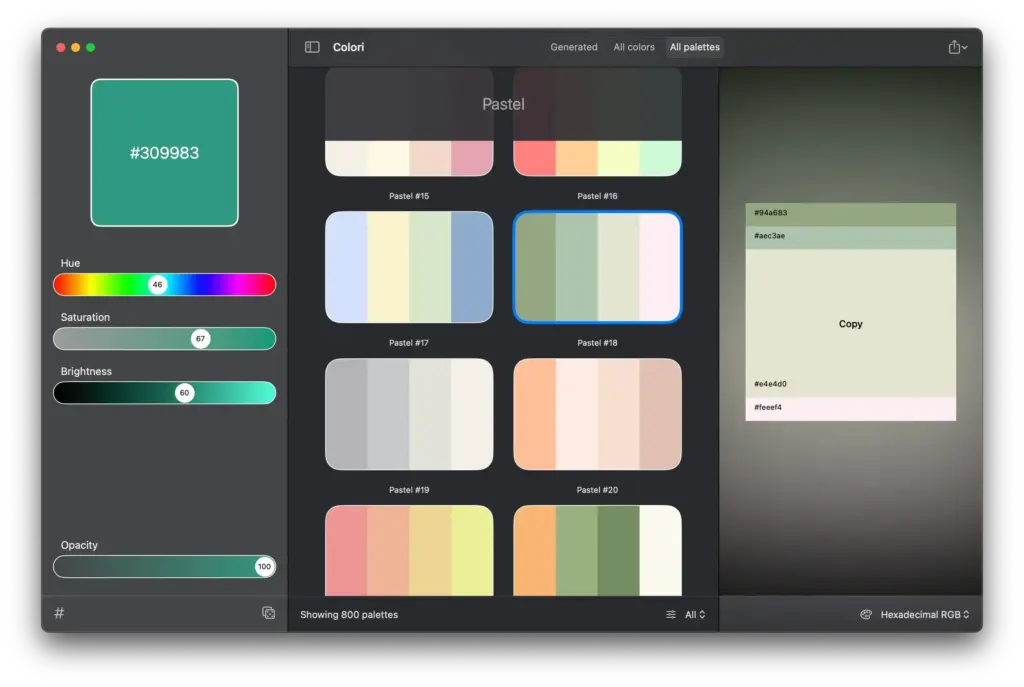
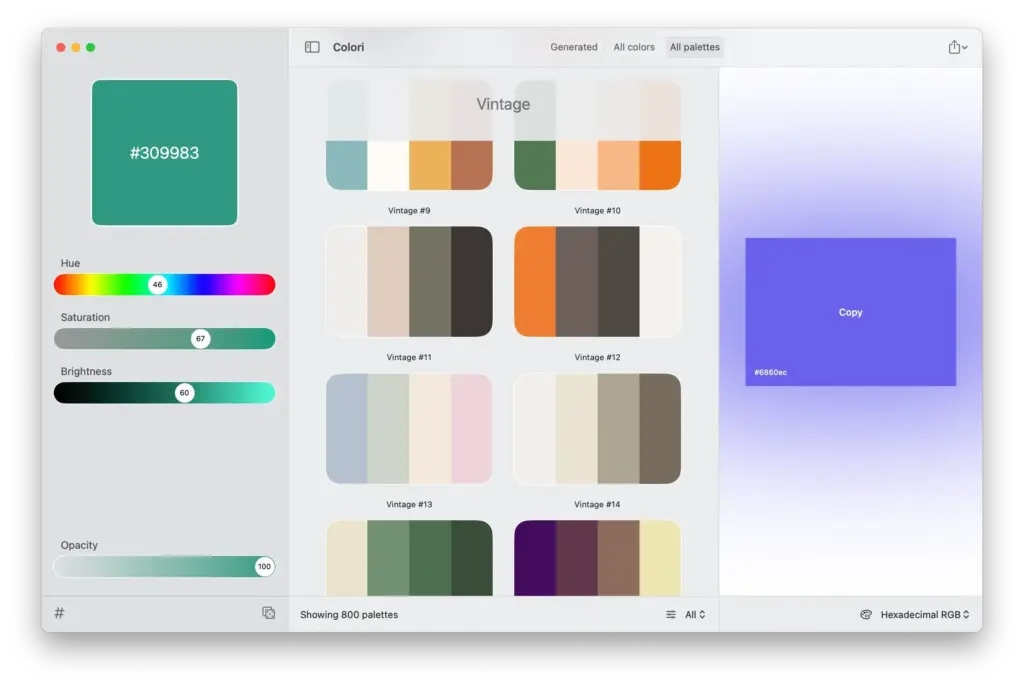
Colori also comes with hundreds of ready-made palettes. If you do not want to start from scratch, you can browse the built-in library and pick one that fits your project. This is useful for quick branding work, mockups, or website themes.
Export is where Colori earns its place in a real workflow. Once you have a palette you like, you can export it in formats built for web design. This includes CSS, LESS, and SASS. A developer can drop the file straight into a project without retyping hex codes by hand.
The app is made by enSili.co, run by independent Mac developer Yanis Zafiropulos. He has built Mac software since 2010. Colori fits into a larger catalog of small, focused Mac apps under the enSili name, each one built to do one job well.
Features of EnSili Colori for Mac
- Generate full color palettes from a single base color
- Hundreds of built-in, ready-made palettes to browse
- Preview color harmonies instantly as you pick a color
- Export palettes to CSS, LESS, and SASS for web projects
- Organize and save palettes for different projects
- Native macOS app, built for speed and low memory use
- Works fully offline, no account or internet needed
- Simple, clean interface with no learning curve
- Free updates through the app’s next major version
- Optimized for Apple Silicon and Intel Macs
- Backed by an independent developer with active support
Technical Details:
- Software Name: Colori for Mac
- Software File Name: Colori 1.9.0 macOS.dmg
- Version:9.0
- File Size: 6 MB
- File Extension: DMG
- License Type: Premium
- Developer:co (Yanis Zafiropulos)
System Requirements
- Operating System: macOS 10.13 High Sierra or later
- Processor: Apple Silicon (M1, M2, M3, M4, M5) or Intel Core 64-bit
- RAM: 8 GB minimum, 16 GB recommended
- Storage: 500 MB free disk space
What are the best alternatives to EnSili Colori for Mac?
Colori is a strong pick if you want a native, offline color tool. But it is not the only option on Mac. Here are a few worth knowing about.
Color Hound: Also made by enSili.co. Instead of starting from one color, it pulls a full palette from any image you drop in. Good fit for designers who work from photos or brand assets.
Pikka: A color picker and palette editor with a system menu bar tool. Good for users who want to grab colors from anywhere on screen, not just generate them from scratch.
Color Palette Generator Pro: A feature-heavy app with support for JSON, Figma, and Adobe ASE export. Better suited for teams that need many export formats in one tool.
Color Picker (Palette Generator): A simpler, free option with camera-based color detection. Good for casual use, but lacks the CSS and SASS export that Colori offers out of the box.
Each of these tools serves a slightly different need. Colori stands out for Mac users who want a fast, native app with clean CSS and SASS export, without paying a monthly fee.
EnSili Colori for Mac Free Download
Click the button below to download EnSili Colori for Mac latest full version setup. It is a complete offline DMG installer for macOS with a single click download link.