AllMacWorld MAC Apps One Click Away
Download Krita Studio 6.0.2.1 for Mac free latest full version standalone setup. Krita Studio 2026 for macOS is a professional digital painting and illustration program built for artists, illustrators, comic creators, and animators who want powerful art tools on a Mac without paying for them.
Krita Studio for Mac Review
Krita Studio for Mac is a free and open source painting app. It is built for people who draw and paint for a living, and for people who just want to learn. Most paint apps make you choose between price and power. Krita gives you both. You get a full professional toolset without a subscription or a license fee. You can also download Adobe Lightroom Classic 2026 for Mac
The heart of the app is its brush engine. Krita ships with over 100 ready-made brushes. Each one is built to feel natural under a pen or tablet. You can also build your own brushes from scratch. This matters if you have a specific style and store-bought brushes never quite match it. Artists moving from paid software often say the brush feel on Mac is one of the smoothest parts of Krita.
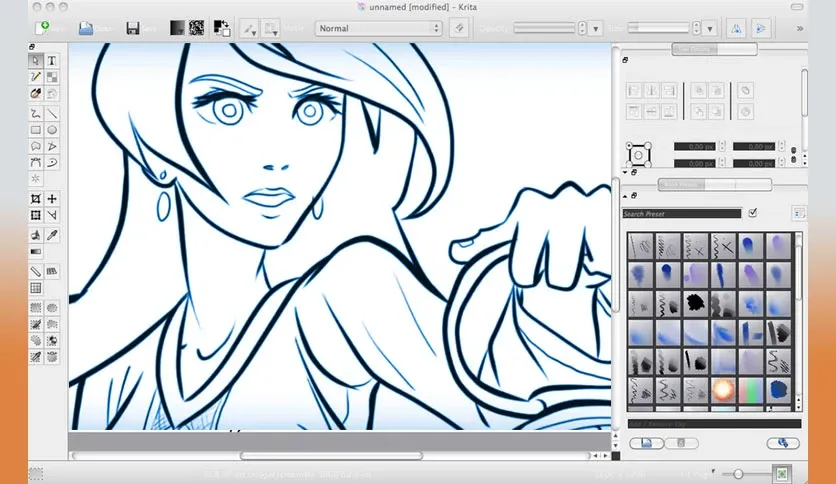
Layer work is another strong point. Krita gives you full layer management with masks and a long list of blend modes. You can stack, group, and adjust layers without slowing down your file. This is useful for anyone doing detailed illustration or comic pages, where a single piece can hold dozens of layers.
Krita is not only a painting tool. It also includes real animation features. You get a timeline, onion skinning, and frame by frame tools. This makes it a solid pick for storyboard artists and hobby animators who cannot afford a dedicated animation suite.
If you work with shapes and clean lines, the app also has vector tools. You can create vector layers, edit paths, and mix vector work with raster painting in the same file. This is helpful for logo work, clean line art, and comic panel layouts.
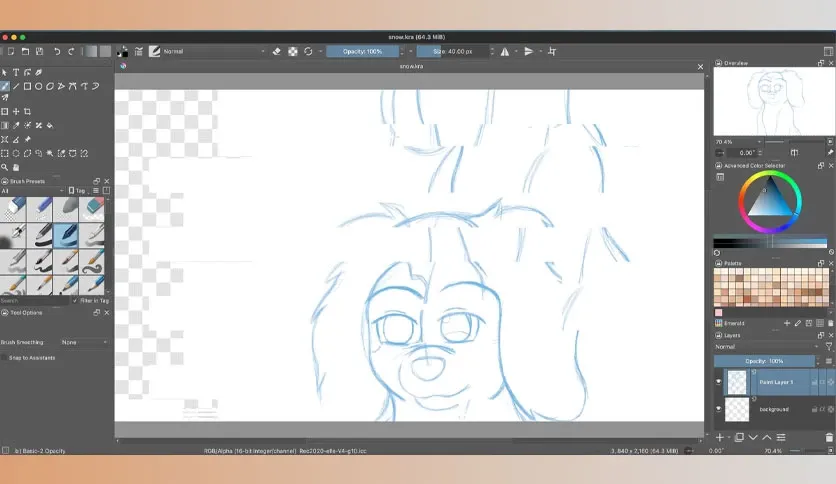
Color handling is built for real studio work too. Krita supports both RGB and CMYK color spaces. That means your file can move from screen art to print without a messy conversion step later.
File support is wide. You can export to PNG, JPEG, TIFF, PSD, and more. This solves a common pain point for Mac users who need to share files with people on Photoshop or other software. You will not get stuck with a file format nobody else can open.
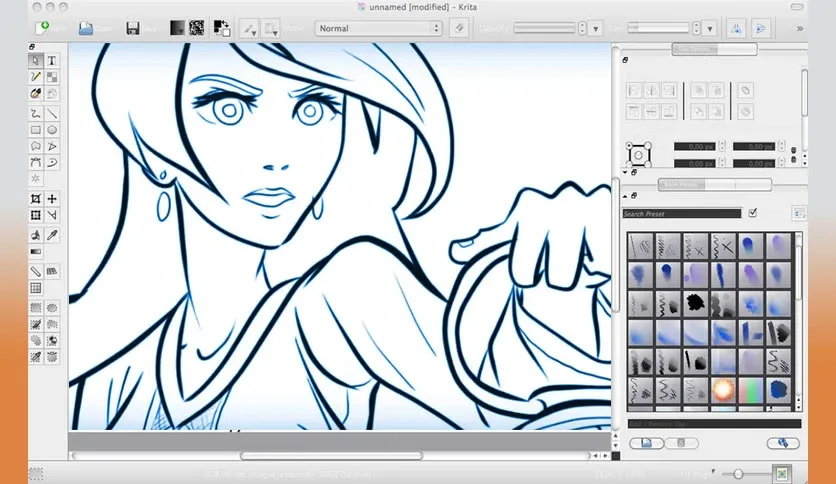
Features of Krita Studio for Mac
- Advanced brush engine with over 100 ready to use brushes
- Option to build and save fully custom brushes
- Full layer management with layer masks and blend modes
- Frame by frame animation tools with onion skinning
- Vector tools for paths, shapes, and vector layers
- RGB and CMYK color space support for print and screen work
- Export support for PNG, JPEG, TIFF, PSD, and more file types
- Resource manager to organize brushes, gradients, and patterns
- Customizable workspace and dockers for your own workflow
- Pop up color and brush palette for faster painting
- Built in brush stabilizers for smoother lines
Technical Details
- Software Name: Krita Studio
- Software File Name: Krita-Studio-6.0.2.1.dmg
- Version: 6.0.2.1
- File Size: 384 MB
- File Extension: DMG
- License Type: Free and Open Source
- Developer: The Krita Foundation
System Requirements
- Operating System: macOS 10.13 High Sierra or later
- Processor: Apple Silicon (M1, M2, M3, M4, M5) or Intel Core 64-bit
- RAM: 8 GB minimum, 16 GB recommended
- Storage: 500 MB free disk space
What are the best alternatives to Krita Studio for Mac?
Krita is a strong all-round painting app, but it is not the only option on Mac. If it does not fit your workflow, here are a few solid alternatives.
Clip Studio Paint: A complete tool for comics, manga, and illustration. Best for artists who want strong panel and inking tools built in.
Procreate: A simple and fast painting app, though it is iPad only and not available for Mac desktop.
Adobe Photoshop: A full image editing suite with strong painting tools. Better suited for artists already inside the Adobe workflow.
Affinity Designer: A one time purchase design app with strong vector tools. Good for artists who want less animation and more clean design work.
Pencil2D: A lightweight, free animation app. Better for beginners who only want simple frame by frame animation.
Each app fits a different type of artist. Krita stands out for its price, its brush quality, and the mix of painting, vector, and animation tools in one free app on Mac.
Krita Studio 6.0.2.1 for Mac Free Download
Click the button below to download Krita Studio for Mac latest full version setup free. It is a complete offline DMG installer for macOS with a single click download link.