 AllMacWorld MAC Apps One Click Away
Download Folder Preview Pro 3.3.2 free latest full version standalone offline setup for Mac OS X. Folder Preview Pro 2026 for macOS provides a Quick Look extension for previewing contents in Finder.
Folder Preview Pro 2026 for Mac
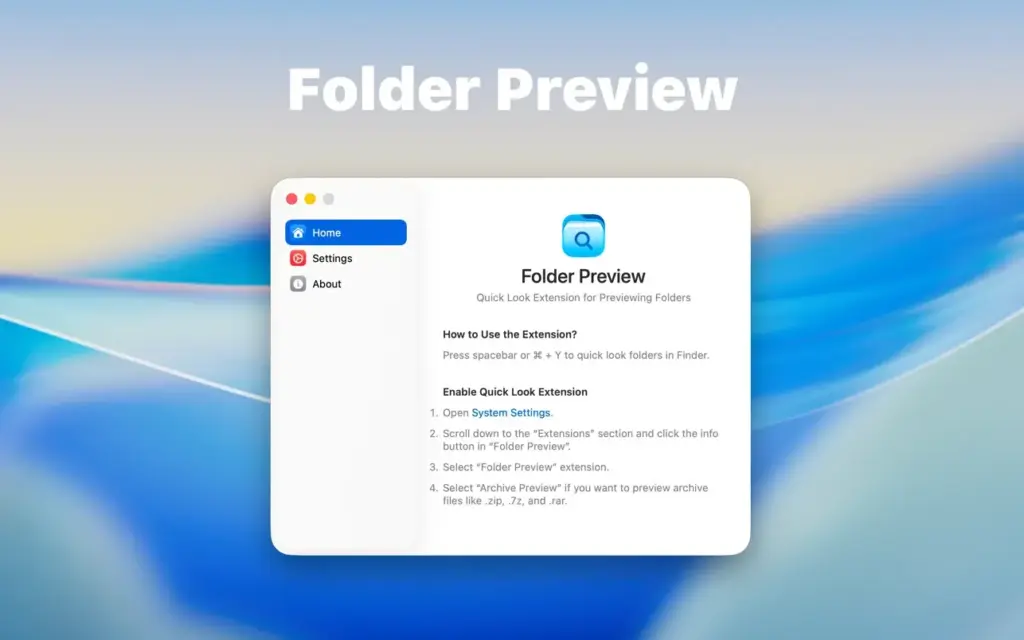
Folder Preview Pro is a Mac application that makes it easier to check what’s inside folders without opening them in Finder. It extends Apple’s Quick Look feature, allowing users to select a folder and view its contents by pressing the Space bar. Instead of opening several folders to find a particular file, you can inspect their contents directly from the preview window. You can also download Path finder for MacOS
The app is useful for people who regularly work with large collections of files, documents, images, videos, downloads, or project folders. When a folder contains dozens or hundreds of files, finding the right item can take time. Folder Preview Pro makes this process quicker by displaying folder contents in a single window.
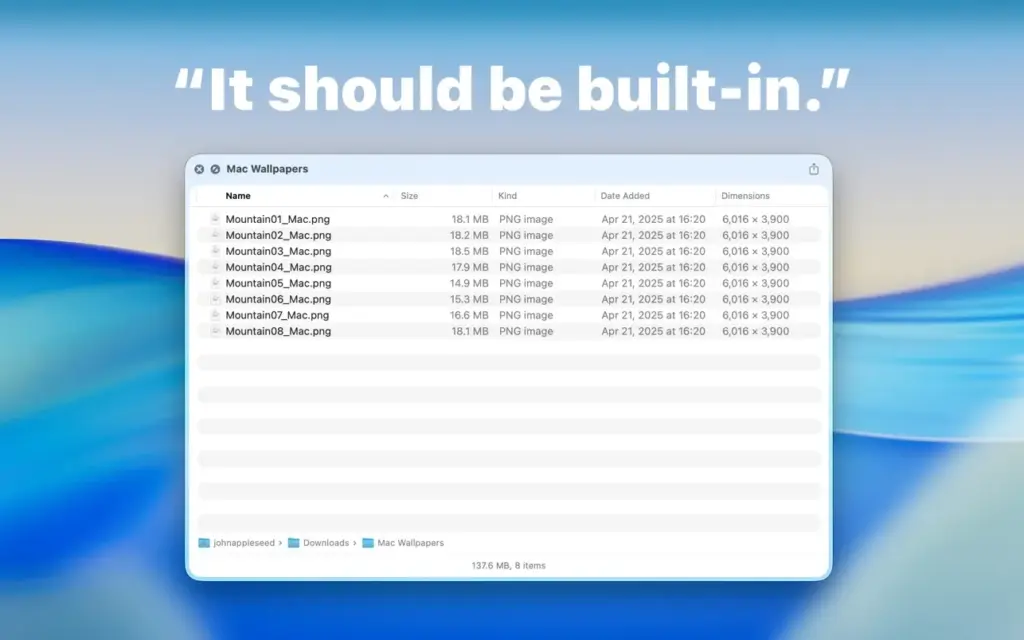
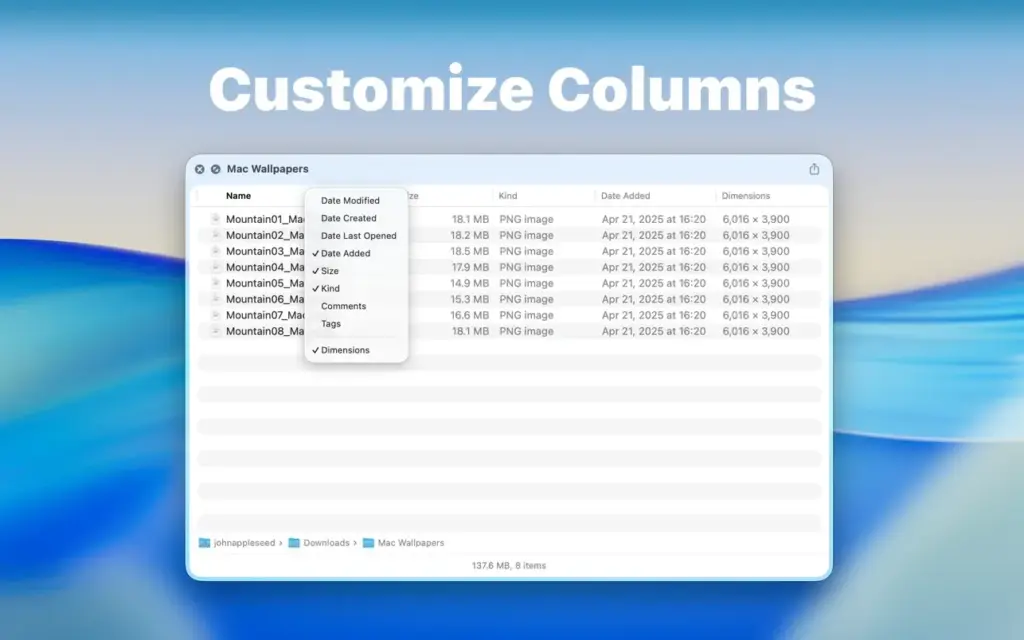
One of the most useful things about Folder Preview Pro is its ability to display folder contents through list and icon views. The list view is suitable for checking file names and organizing information, while the icon view makes it easier to identify images, videos, and other visually recognizable files. This can be especially helpful when searching through folders containing screenshots, photos, graphics, or downloaded media.
Folder Preview Pro also allows you to interact with files directly inside the preview window. You can double-click a file to open it in its associated application. You can also select files and copy them, access file information, show items in Finder, or move selected items to Trash using supported actions. These options make the app more useful than a basic folder preview tool.
The drag-and-drop feature is another helpful addition. You can drag files from the preview window and drop them into other applications or locations. For example, you can drag an image into an image editor, attach a file to an email, or move a document into another working folder. This saves time when you need to work with files without repeatedly opening separate Finder windows.
The application also supports browsing supported archive files. Mac users often download ZIP, RAR, 7z, TAR, GZ, and BZ2 files containing documents, software, images, or other data. Folder Preview Pro lets you inspect supported archive contents before extracting them. This can help you check whether an archive contains the files you need without extracting everything first.
Folder navigation is another important part of the application. You can open subfolders inside the preview window and continue browsing their contents. The Pro version offers a more interactive experience, with navigation controls and a toolbar. It also includes a dual-column view, which helps users browse folder contents in a more organized way.
Some features, such as browsing folders outside the initially accessible location, may require Full Disk Access. This permission allows the application to access additional files and folders on your Mac. Users should review permissions carefully before granting access.
Overall, Folder Preview Pro is a practical utility for Mac users who spend a lot of time searching through folders. It doesn’t replace Finder or provide a complete file management system, but it makes checking folder contents, browsing archives, and opening files more convenient. Users who regularly work with external drives, project folders, downloads, or large file collections may find it particularly useful.
Features of Folder Preview Pro for macOS
- Quick Look Folder Preview: View folder contents directly through Quick Look without opening folders in Finder.
- Archive Preview: Browse supported archive formats, including ZIP, RAR, 7z, TAR, GZ, and BZ2.
- File Thumbnails: Display thumbnails for images, videos, PDFs, and other file types supported by macOS.
- Open Files: Double-click files inside the preview window to open them in their associated applications.
- Folder Navigation: Browse subfolders directly from the Quick Look window.
- Drag and Drop: Drag files from the preview window into other apps or location
- Toolbar Actions: Access useful file actions directly from the preview interface.
- Dual Columns View: Browse folder contents using a two-column layout.
- List View: Display files in a list for easier browsing and file identification.
- Icon View: View larger thumbnails to find images and other visual files.
- Copy Files: Copy selected files from the preview window.
- File Information: Access file details through supported actions.
- Third-Party File Manager Support: Works with compatible applications such as ForkLift, Bloom, Path Finder, Commander One, and QSpace.
- Move to Trash: Move selected items to Trash through supported preview actions.
Technical Details of Folder Preview Pro for Mac
- Mac Software Full Name: Folder Preview Pro
- Version: 3.3.2
- Setup App File Name: Folder Preview Pro-v3.3.2.dmg
- Full Application Size: 9 MB
- Setup Type: Offline Installer / Full Standalone Setup DMG Package
- Compatibility Architecture: Apple-Intel Architecture
- Latest Version Release Added On: 25 November 2026
- License Type: Full Premium Pro Version
- Developers Homepage: Anybox LTD
System Requirements for Folder Preview Pro for Mac
- OS: Mac OS 10.15 or above
- Installed Memory (RAM): 8 GB
- Free HDD: 50 MB of free hard drive space
- Processor (CPU): Intel 64-bit Processor
- Monitor: 1280×1024 monitor resolution
Alternatives of Folder Preview Pro
Finder is the default file manager on Mac. It allows users to organize files, search folders, preview supported documents, and manage files across local storage and connected drives. It is suitable for everyday file management without installing additional applications.
ForkLift is a file manager for Mac with dual-pane browsing, file transfers, folder comparison, and remote connections. It is a good choice for users who want more control over file organization and transfers.
Path Finder offers advanced file management tools, including dual-pane browsing, file operations, customizable views, and folder comparison. It is useful for users who manage large collections of files.
Commander One provides dual-pane file browsing, archive management, file transfers, and additional file management tools. It can help users organize files across local storage and connected locations.
Download Folder Preview Pro 2026 for MacOS Free Latest Version
Download Folder Preview Pro for Mac free latest full version offline direct download link full offline setup by clicking the below button.


